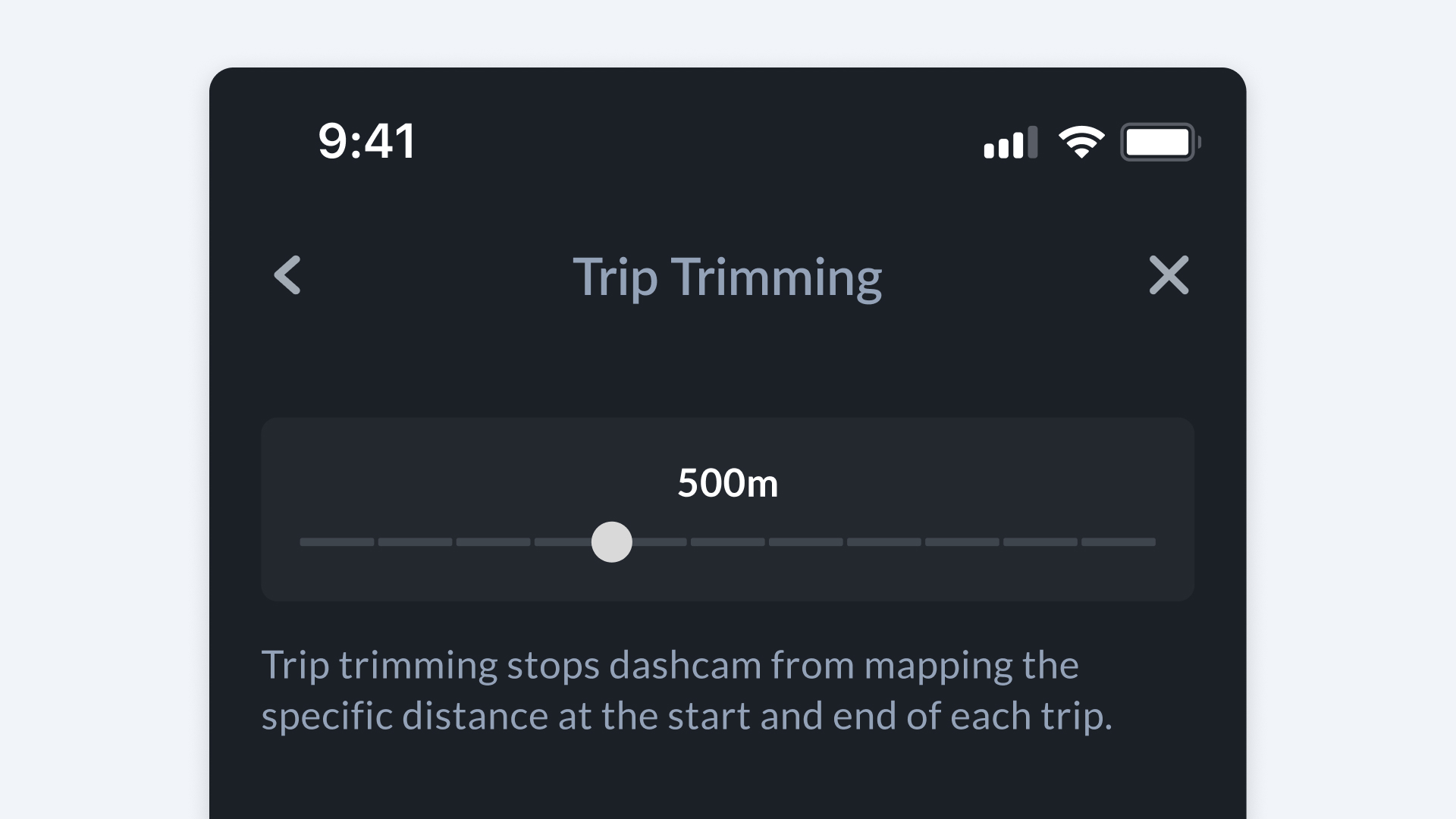
Trip Trimming
What is Trip Trimming?
Trip Trimming automatically removes mapping data from the very start and end of each trip to safeguard private locations such as residences, workplaces, or parking areas.
How it Works
- Recording initiates after a specified distance when driving begins.
- Recording concludes the same distance before trip completion.
How to Setup Trip Trimming
- Launch Bee Maps App.
- Connect the application to your Bee device.
- Access Setting.
- Navigate to Privacy.
- Select Trip Trimming.
- Adjust the slider for desired trimming distance (e.g., 500m).
Example
If Trip Trimming is set to 500m, your Bee will skip recording the first and last 500 meters of every drive.