
Account Management
Account Management
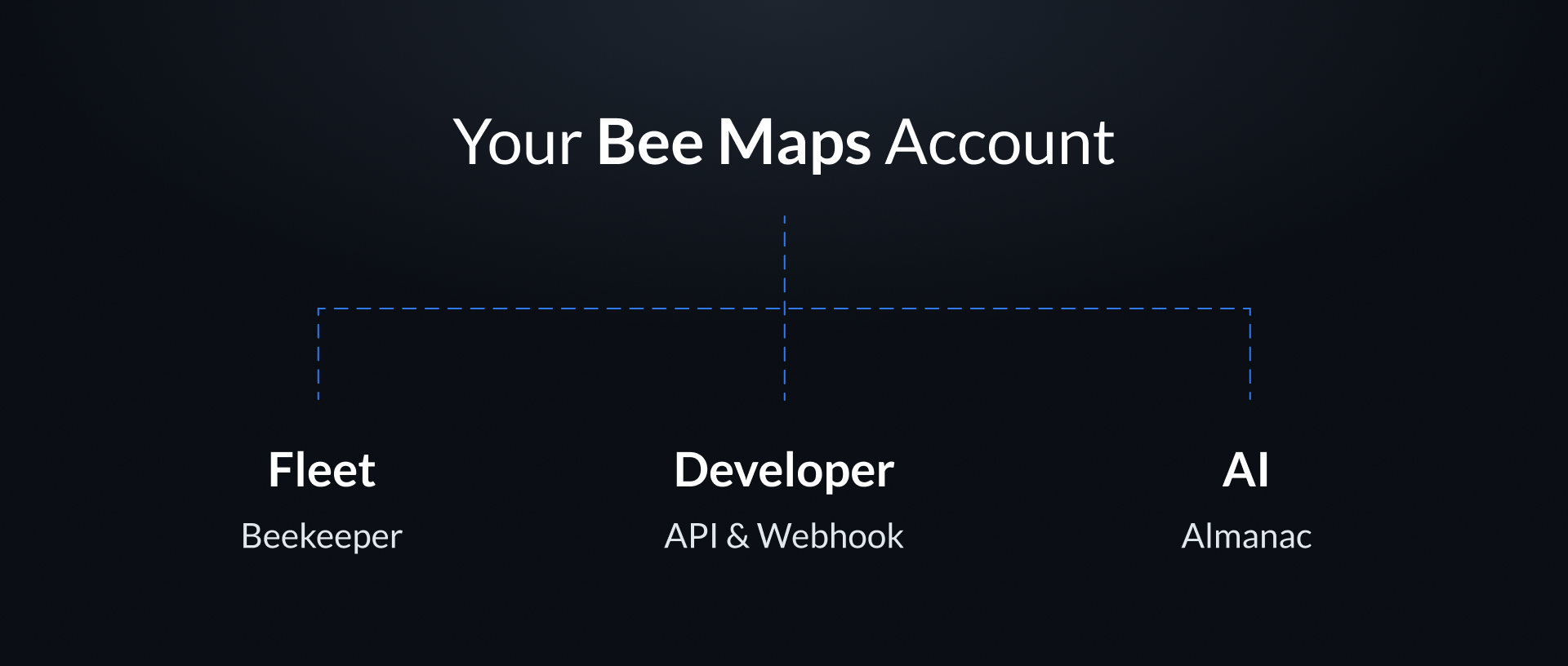
With one account, you can:
- Access Mapping and Location Data APIs.
- Manage Beekeeper for Fleets.
Think of it like your Bee Maps workspace: one account, many tools, all working together.
Get Started
- Sign up for Bee Maps: Create your Bee Maps account and secure access to all Bee Maps tools.
- Confirm your email: Activate your account by verifying your email address.
- Access your dashboard: Once confirmed, you'll land on the Bee Maps dashboard to start adding devices, fleets, or developer integrations.
Detailed steps: Create an account
Manage Your Account
- Profile settings: Update your display name, email, and organization details.
- Add your team: Invite teammates to your Bee Maps account with roles and permissions.
- Billing & subscriptions: Manage Bee Membership plans, payment methods, and view invoices.
- Configure your fleet: Link Bee devices, assign drivers, and set preferences.
- Connect developer tools: Enable APIs and webhooks to connect Bee Maps data to your systems.
Detailed steps: Profile