
Rewards
USDC Rewards by Region
View active regions and their USDC rewards in the Bee App.
Reward Goals
To earn USDC rewards each week, your Bee camera must drive and map a minimum number of road kilometers in your region. Check the Bee App for the weekly goal that applies to your Bee.
Find Your Weekly Goal
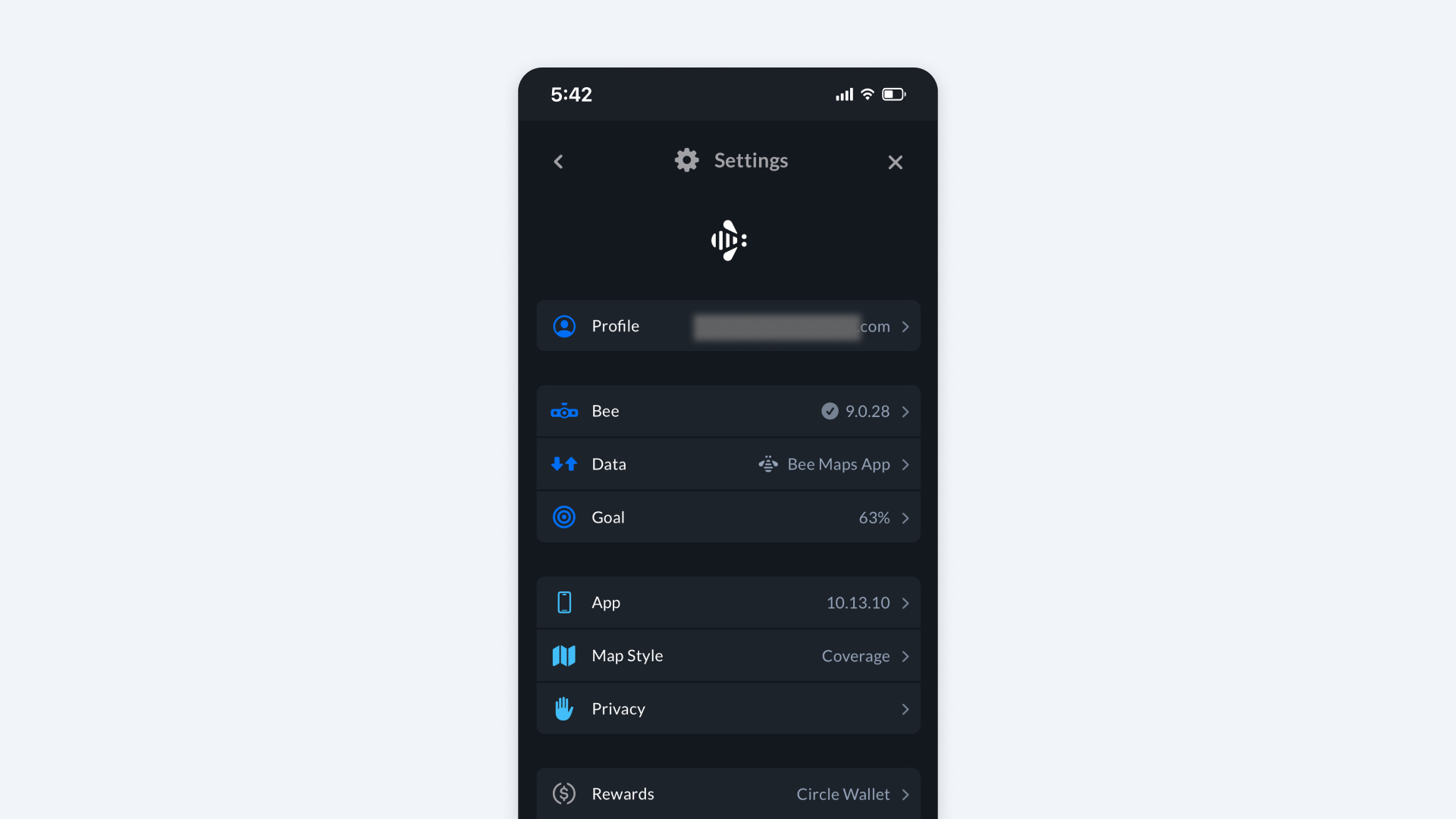
Go to Bee App > Settings > Goal to see the total road kilometers your Bee needs to drive and map for the week.
Track Your Progress
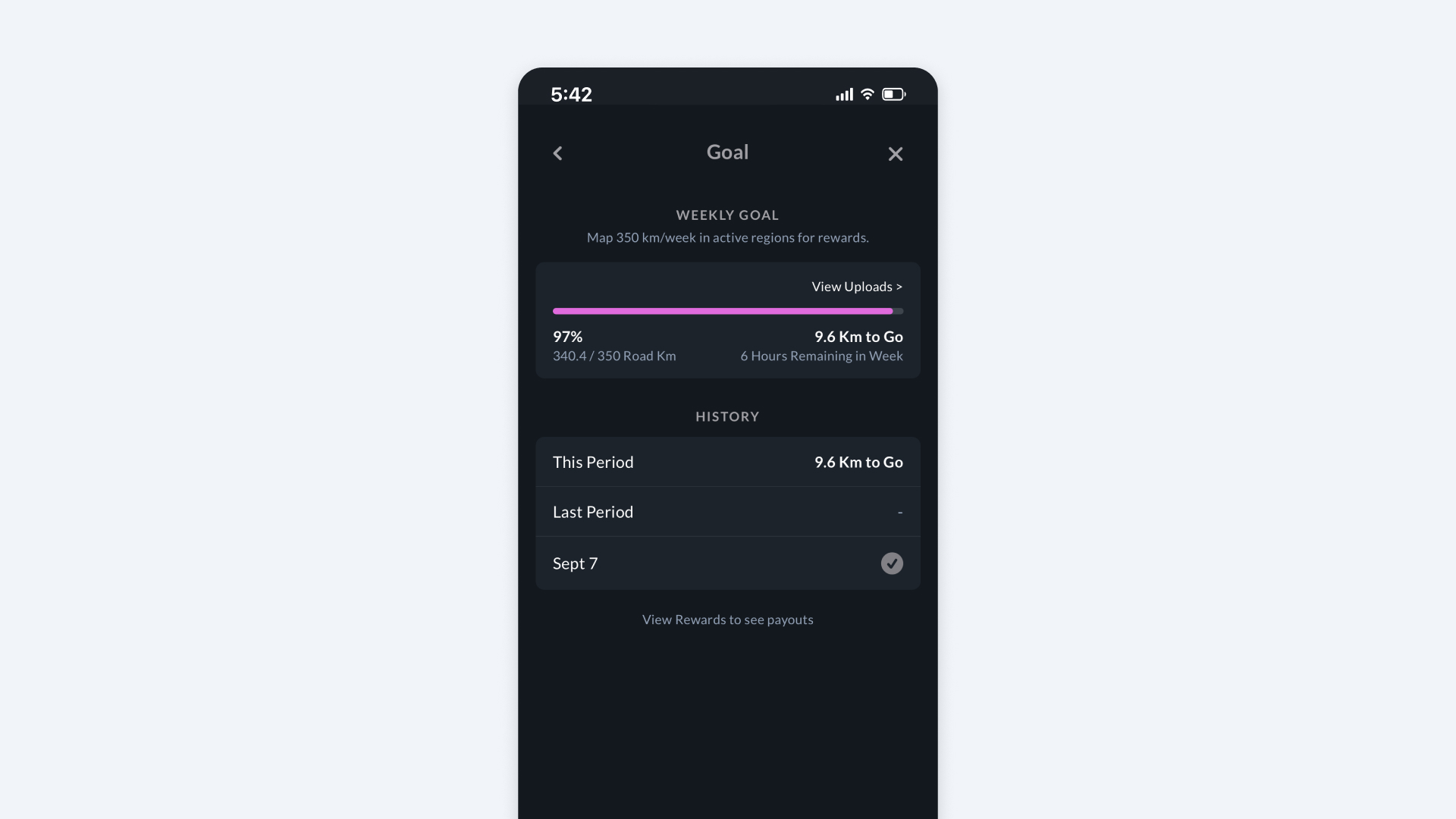
The Goal screen shows your mapped road kilometers against your weekly goal, your progress percentage, the distance still needed, and the time remaining in the week. Check History to review your progress for current and previous reward periods.
USDC Payment Cycles
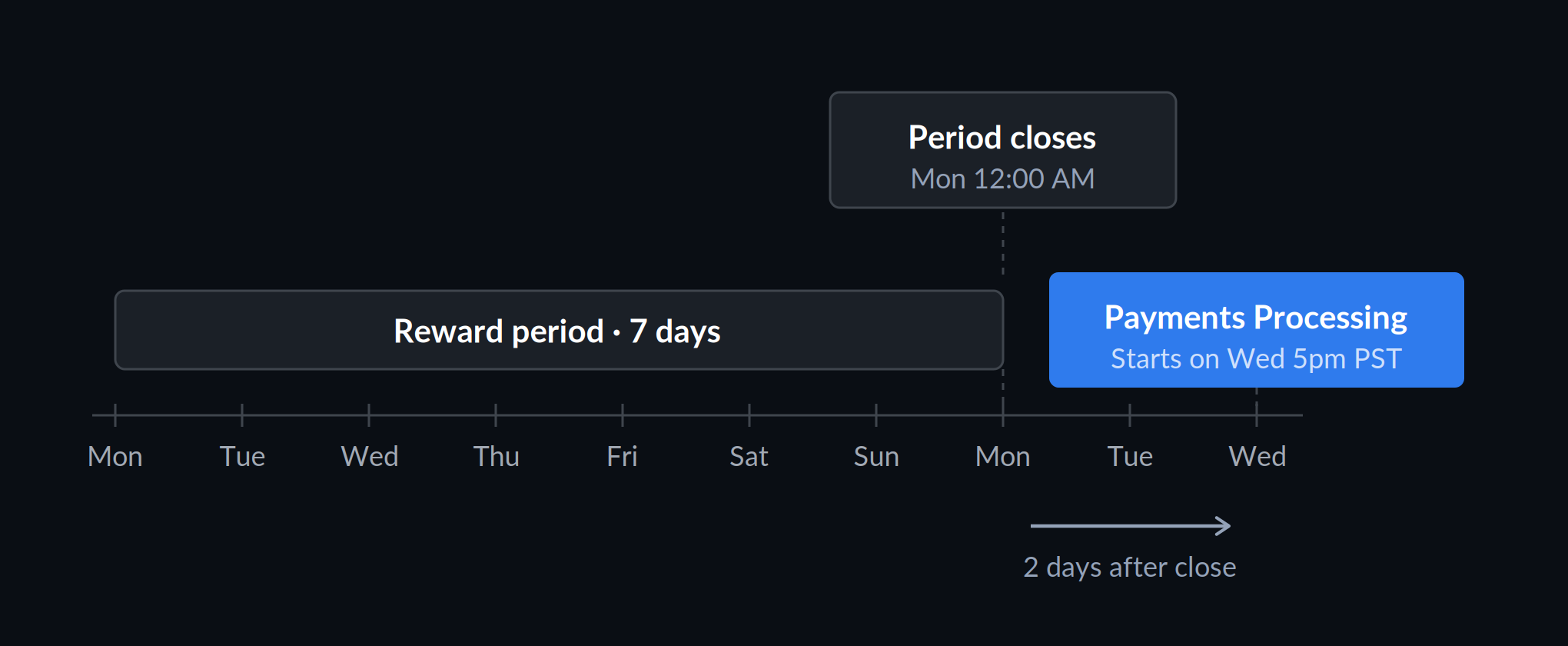
Each USDC reward period runs for seven days, starting at 12:00 AM UTC on Monday and closing at 12:00 AM the following Monday. Payment processing begins after the period closes, on the following Wednesday.
Circle Wallet
A Circle Wallet is required to receive USDC payments.
Transfer USDC
To transfer USDC Rewards from your Circle Wallet, visit beemaps.com. Sign in using the same email address you use for the Bee App.
1. Open your wallet
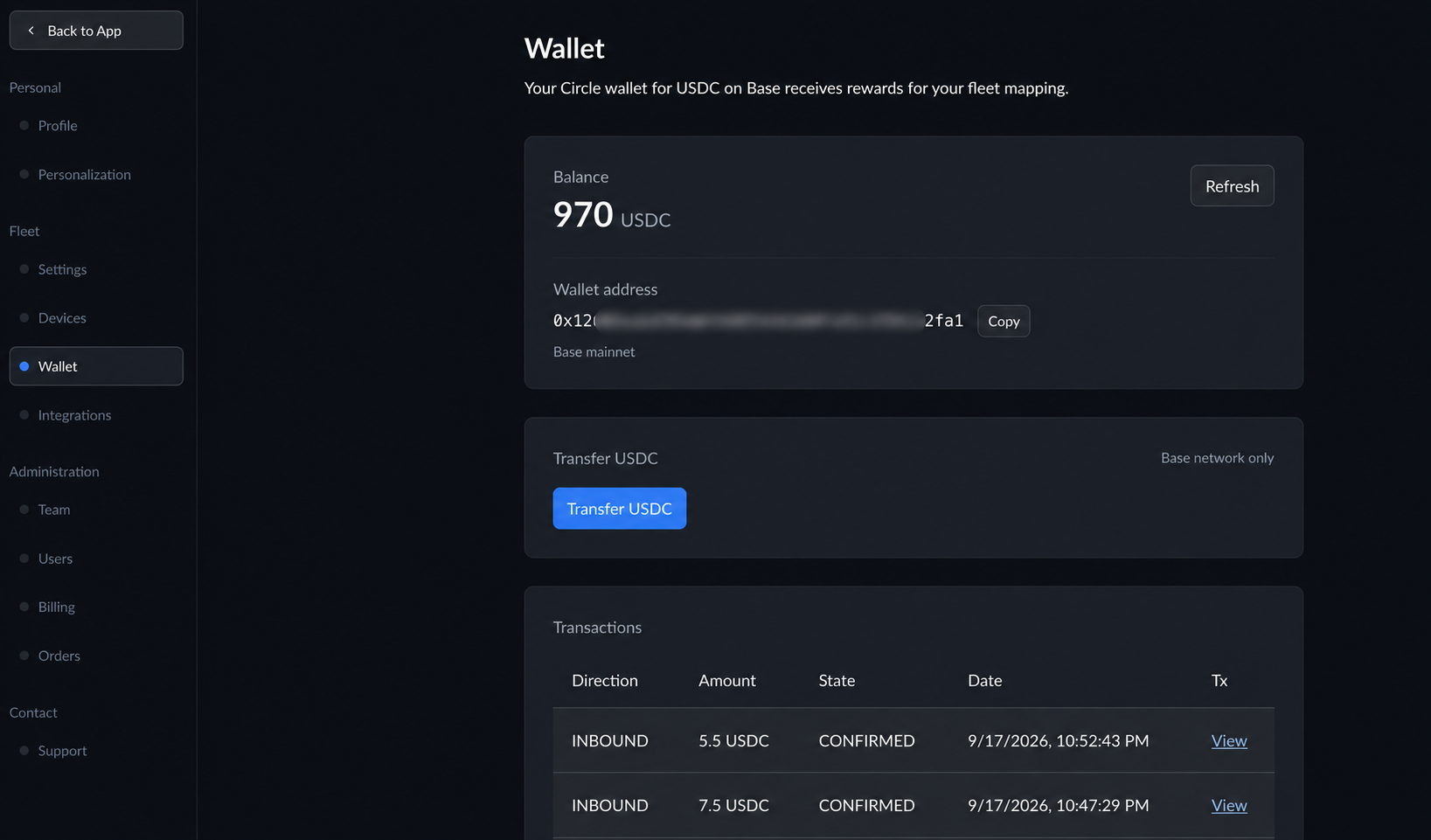
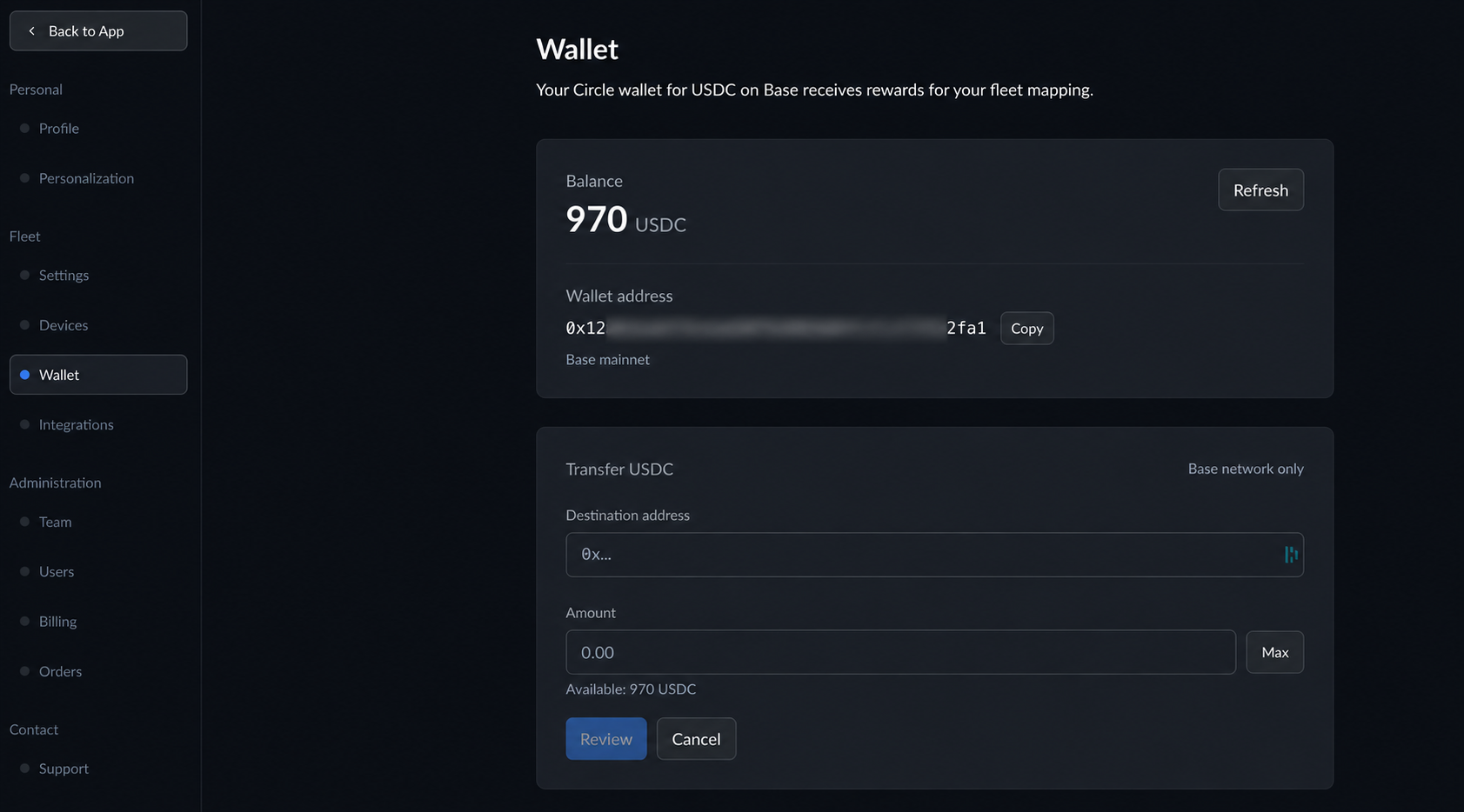
On the Wallet page, check your available balance and select Transfer USDC.
2. Enter the transfer details
Enter the receiving wallet's address in Destination address. The receiving wallet must support USDC on the Base network.
Enter the USDC Amount you want to transfer, or select Max to use your available balance. Then select Review.
3. Review and confirm
Check the destination address, amount, and network, then select Confirm and send. Follow the prompts to enter the code sent to your email and your wallet PIN.
Once the transfer confirms on Base, it appears in Transactions on your Wallet page.