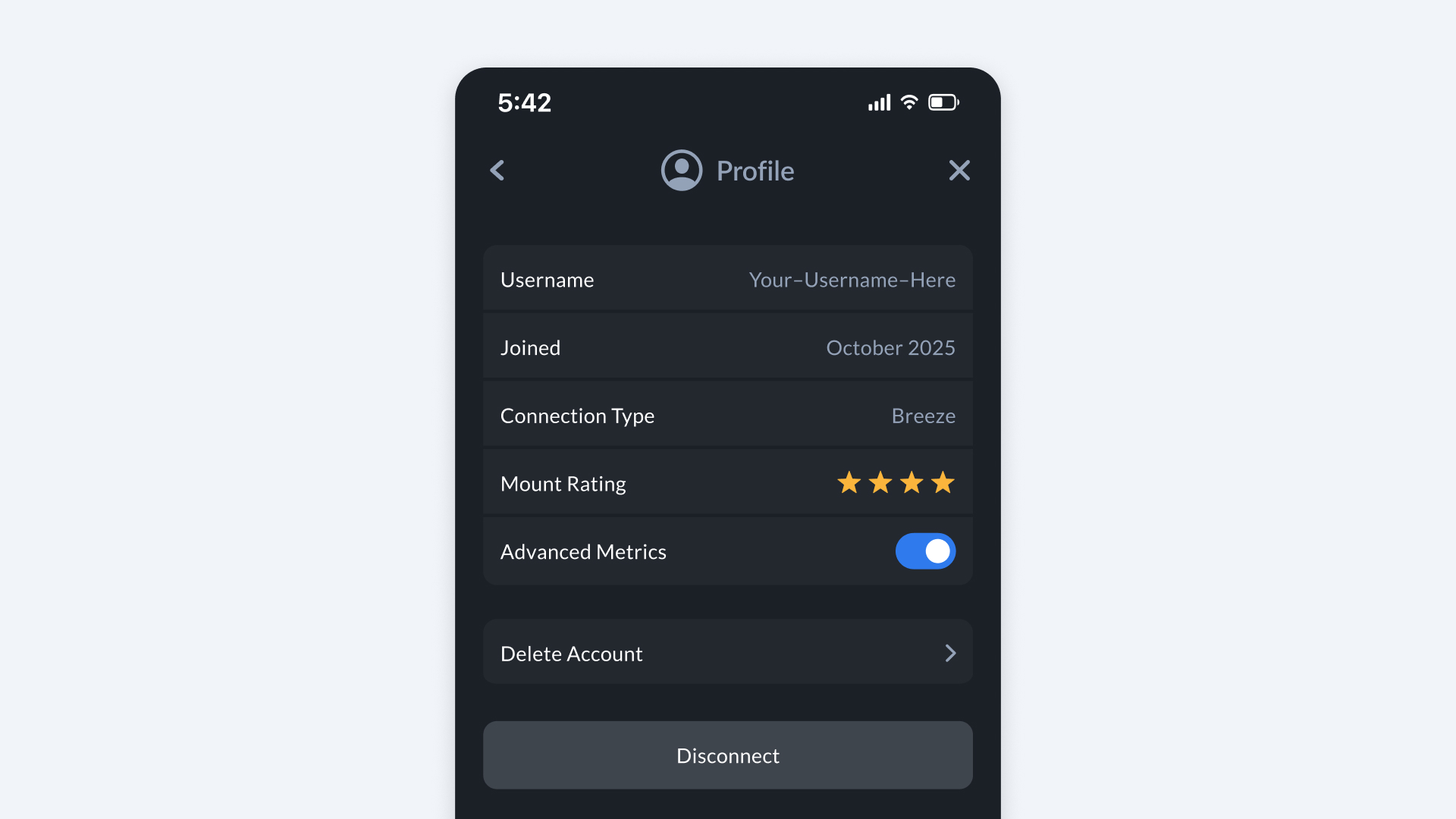
Profile
How to Find It
- Open Bee Maps App.
- Go to Settings.
- Go to Profile.
The Profile section lets you manage your account information and review your mapping activity.
- Email -- The email address associated with your Bee Maps account and used to sign in.
- Username -- Three word username automatically assigned to you.
- Joined -- The date your account was created.
- Advanced Metrics -- Metrics about your Bee's map data generation.
Actions you can take:
- Delete Account -- Permanently remove your account.