
Rewards
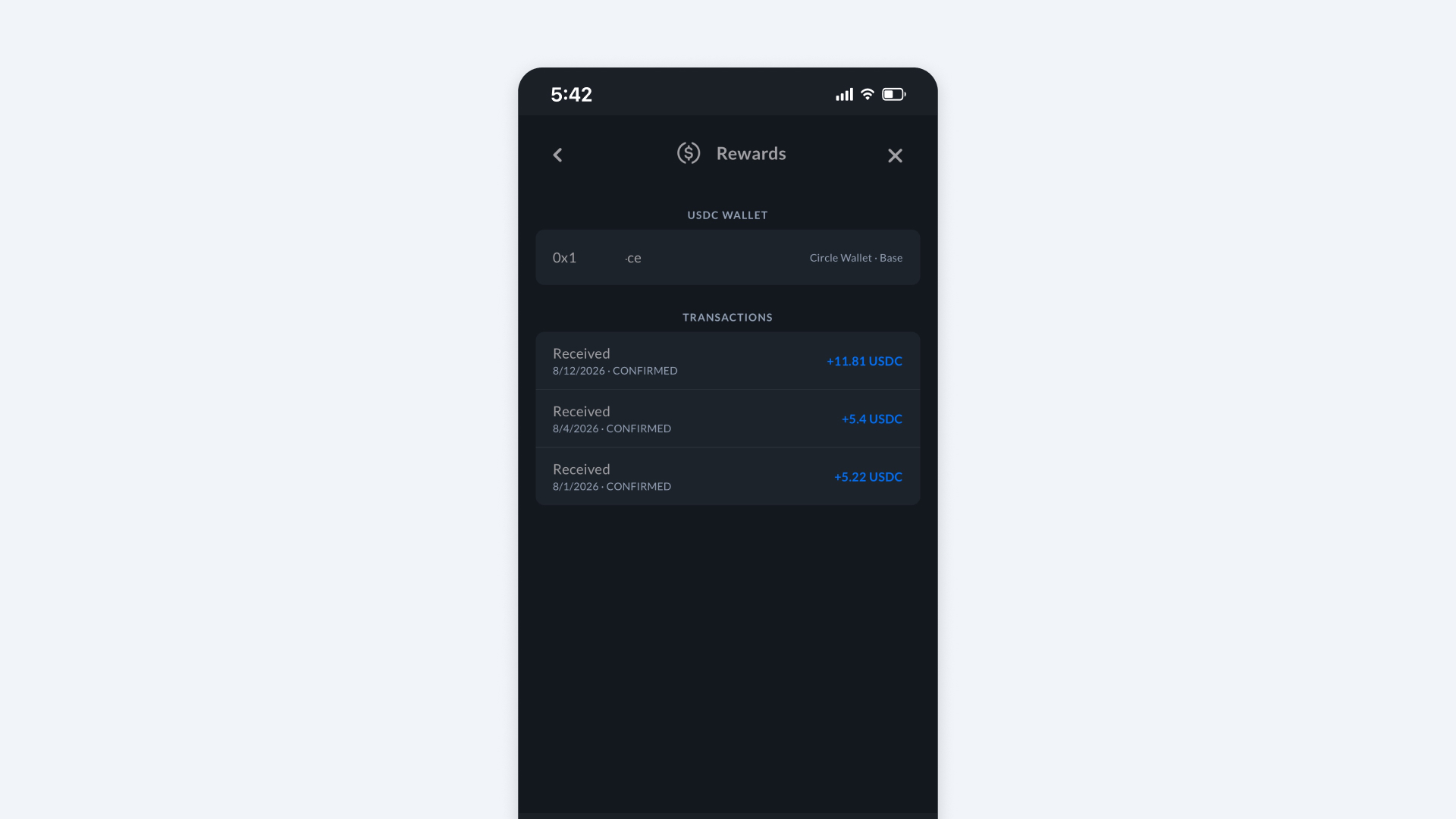
The Rewards section in the Bee App is where you create and view your Circle Wallet. A Circle Wallet is required to receive USDC rewards. Learn more about how Rewards are determined here.
How to Find It
- Open Bee Maps App.
- Go to Settings.
- Go to Rewards.
Circle Wallet
- Create a Circle Wallet, a user-controlled wallet.
- When your device qualifies for USDC Rewards, they will be deposited into your Circle Wallet.
- Transfer USDC from beemaps.com. Use same email address as the Bee App to login.
Access Your Circle Wallet on beemaps.com
You can access your Circle Wallet on beemaps.com. Sign in using the same email address you use for the Bee App.
Run a fleet?
Connect a Circle Wallet to your fleet on beemaps.com and receive USDC for your entire fleet of devices.