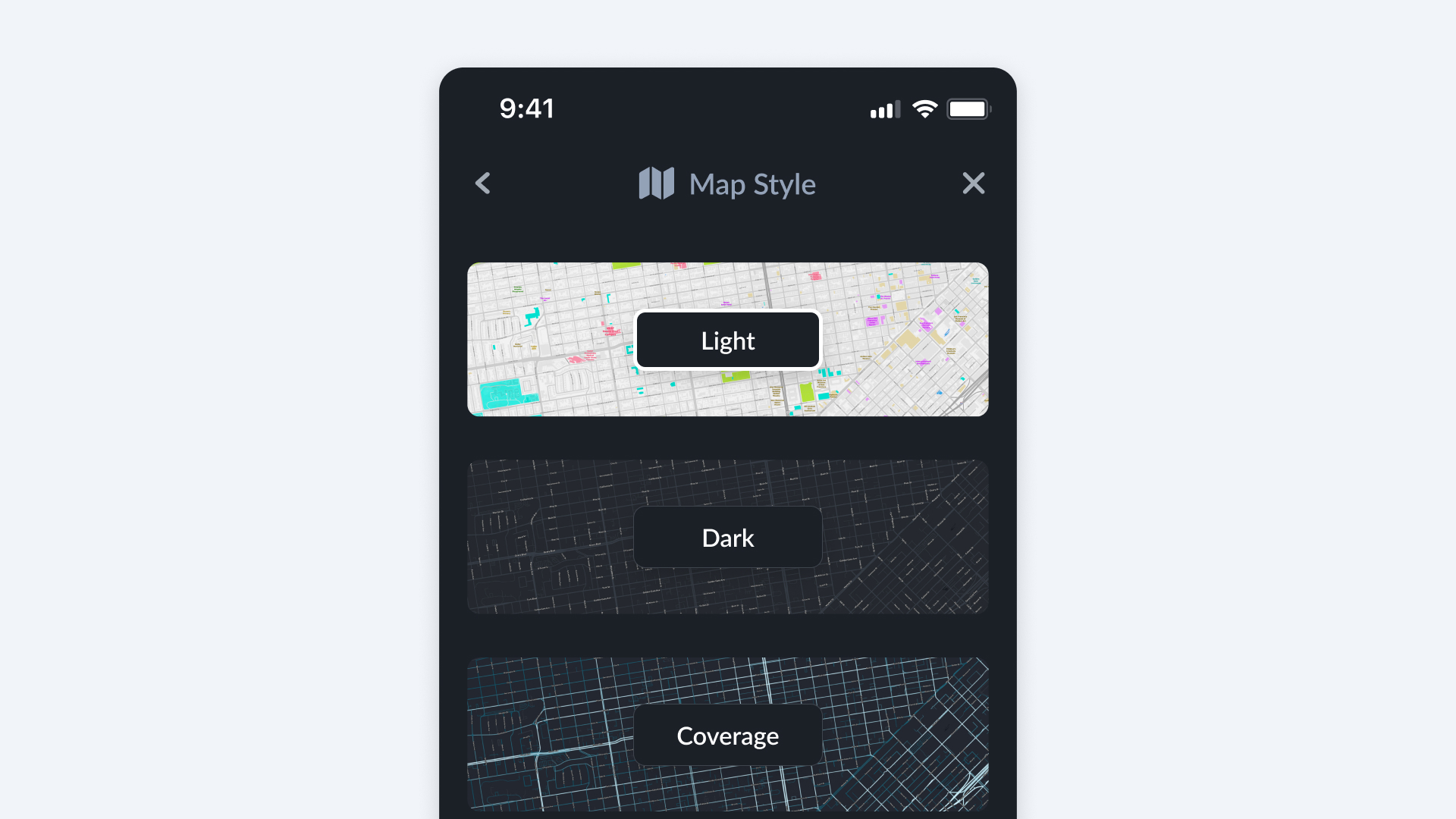
Map Style
The Map Style section lets you customize the look of your Bee Maps interface while driving or reviewing trips.
How to Find It
- Open Bee Maps App.
- Go to Settings.
- Go to Map Style.
Map Style Options
- Light -- A bright, high-contrast map style optimized for daytime driving.
- Dark -- A low-light style designed for nighttime driving or reduced screen glare.
Switch between styles anytime to match your driving conditions or personal preference.