
Connect to Bee
iOS: Connect Bee Maps App to Bee
- Power on your Bee.
- Turn on WiFi on your iPhone.
- Open the Bee Maps app and tap Connect.
- Select your Bee's WiFi: "dashcam-XXXX".
- Enter password: "hivemapper" (all lowercase).
- Return to the Bee Maps app -- your Bee will connect automatically.
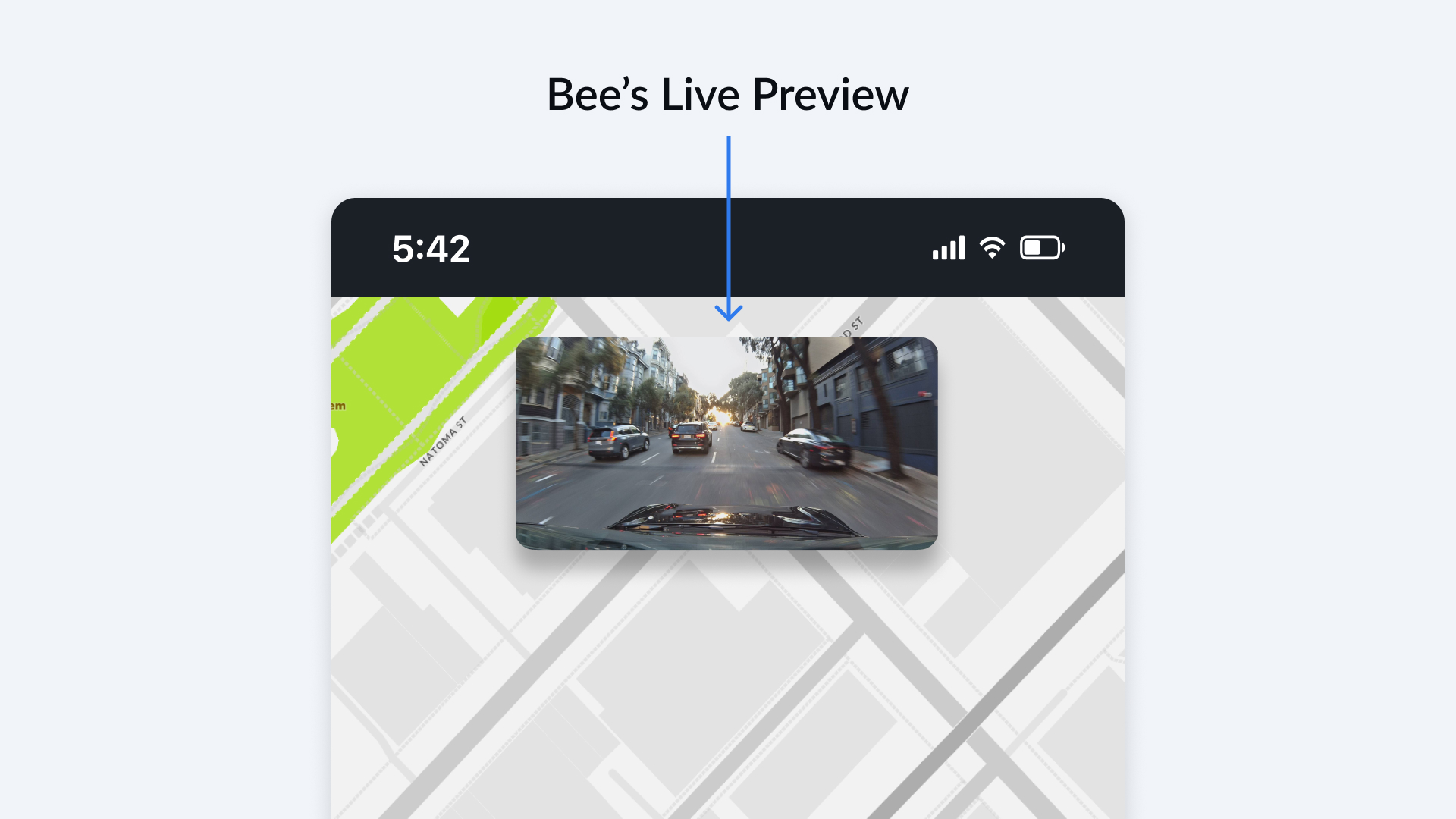
Once connected, you'll see a live preview at the top of the app as shown.
Android: Connect Bee Maps App to Bee
- Power on the Bee.
- Turn on WiFi on your Android.
- Open the Bee Maps app and tap Connect.
- Wait for your Bee's name (e.g. "dashcam-XXXX") to appear in the list.
- Select it and enter password: "hivemapper" (all lowercase).
- If prompted, tap Allow to let the app discover WiFi networks.
- Wait a few moments for the Bee Maps app to finish connecting.
Once connected, you'll see a live preview at the top of the app.