App
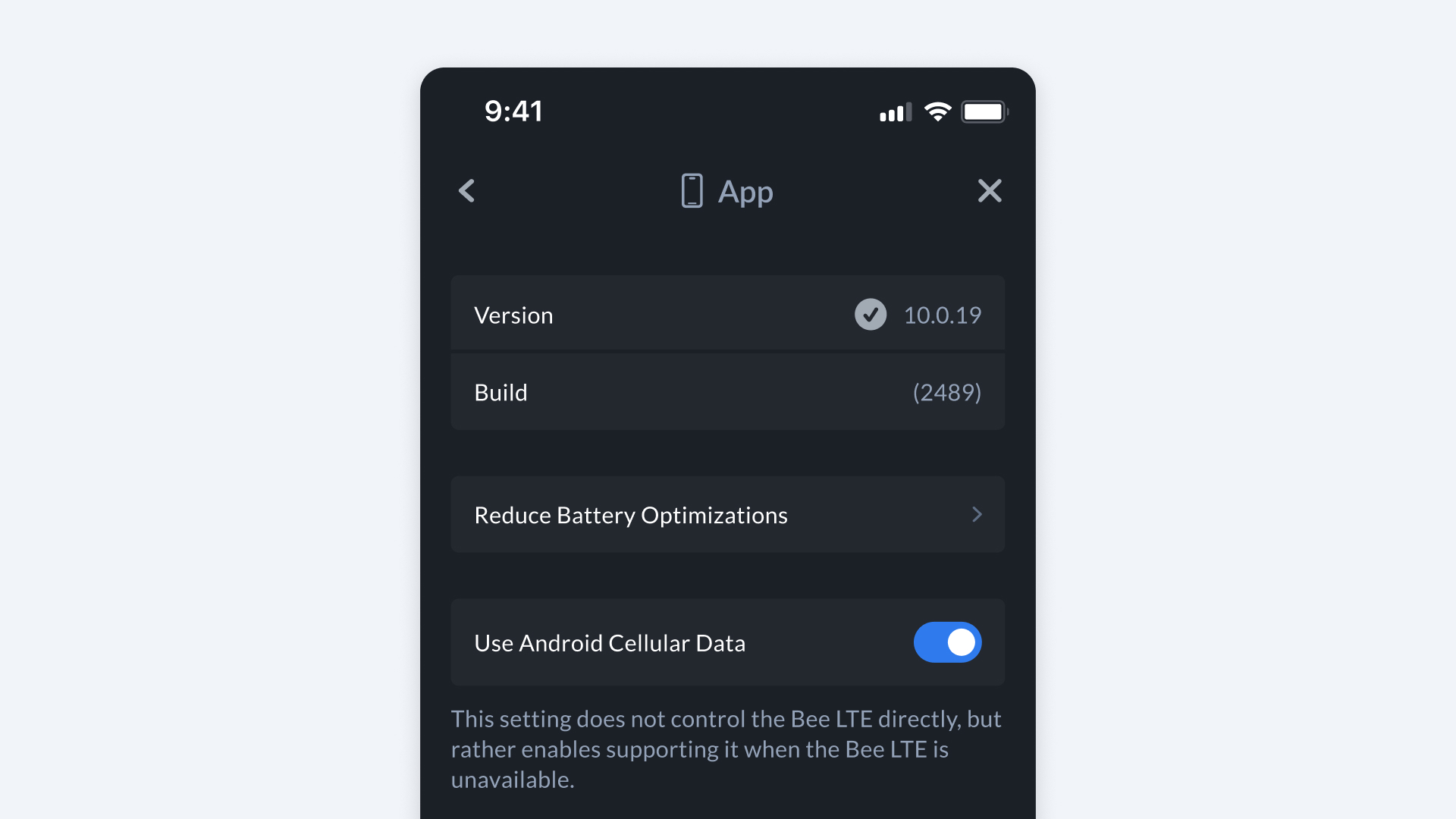
The App section lets you view details about the Bee Maps mobile app.
How to Find It
- Open Bee Maps App.
- Go to Settings.
- Go to App.
App Information
- Version -- Displays the current app version installed on your device.
- Build -- Shows the internal build number, useful for troubleshooting or support.
- Debug -- Dynamically enabled to access debugging options (typically used for advanced troubleshooting).
Device-Specific Options
- Reduce Battery Optimizations (Android only) -- Helps ensure the Bee Maps app runs reliably in the background by reducing battery optimization limits.