
Wallet
Wallet
The Wallet section is where you manage the Circle Wallet associated with your fleet. A Circle Wallet is required to receive USDC rewards.
Open Wallet settings to manage your fleet's wallet.
All USDC rewards earned by devices attached to this fleet flow to this Circle Wallet.
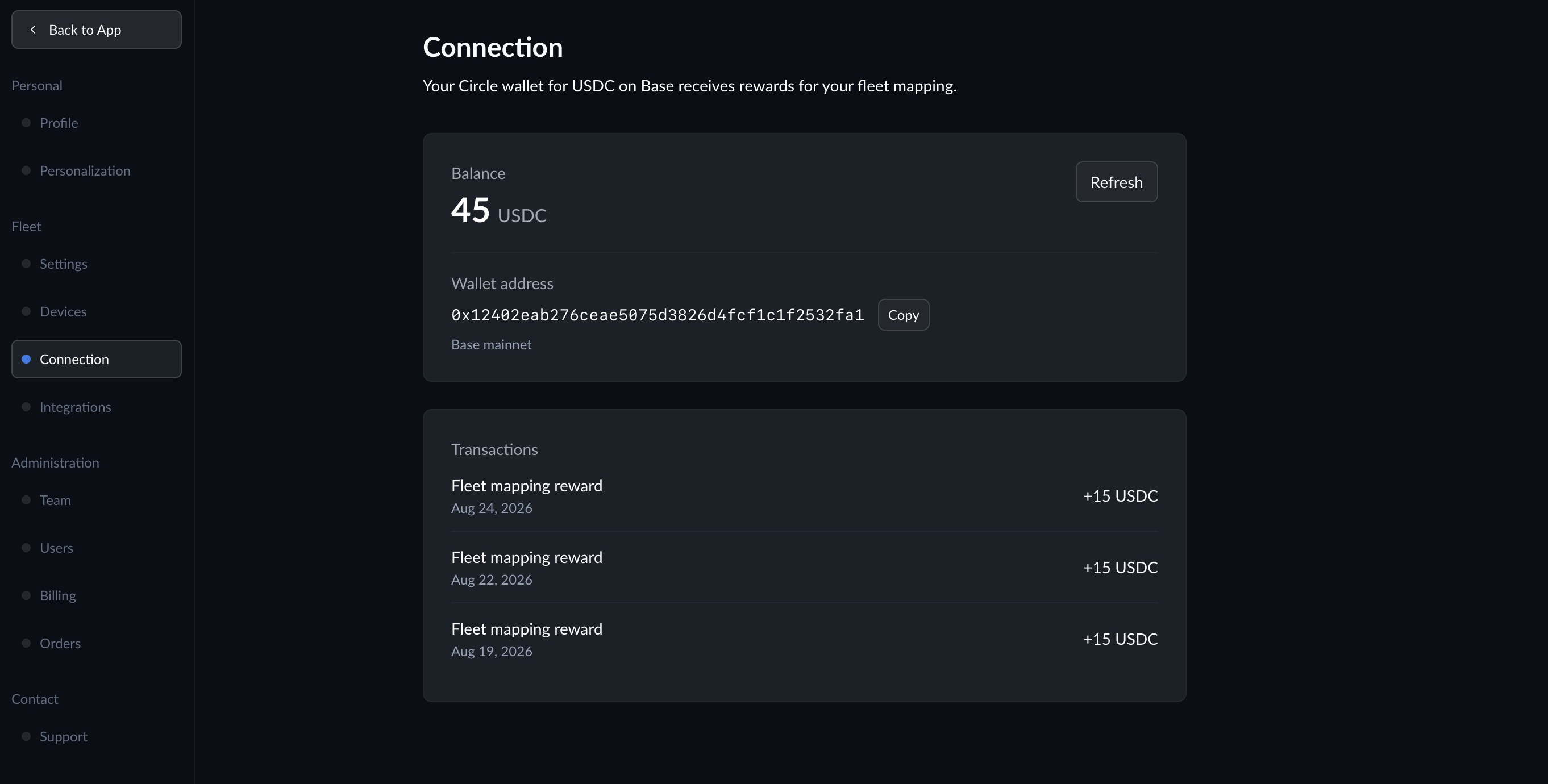
What You Can View
- Balance -- View your fleet's current USDC balance.
- Wallet address -- Copy your Circle Wallet address on Base.
- Transactions -- Review your Circle Wallet's transaction history.
Transfer USDC
The transfer form is hidden by default. Click Transfer USDC to show the destination address and amount fields. The button is disabled when your wallet has no USDC.
- Enter the Destination address of a wallet that accepts USDC on Base.
- Enter the Amount, or click Max to use your available balance.
- Click Review to check the amount and destination address.
- Click Confirm and send, then complete the email code and wallet PIN verification.
Click Cancel to close the form. Once submitted, the transfer will appear in your transaction history after it confirms on Base.