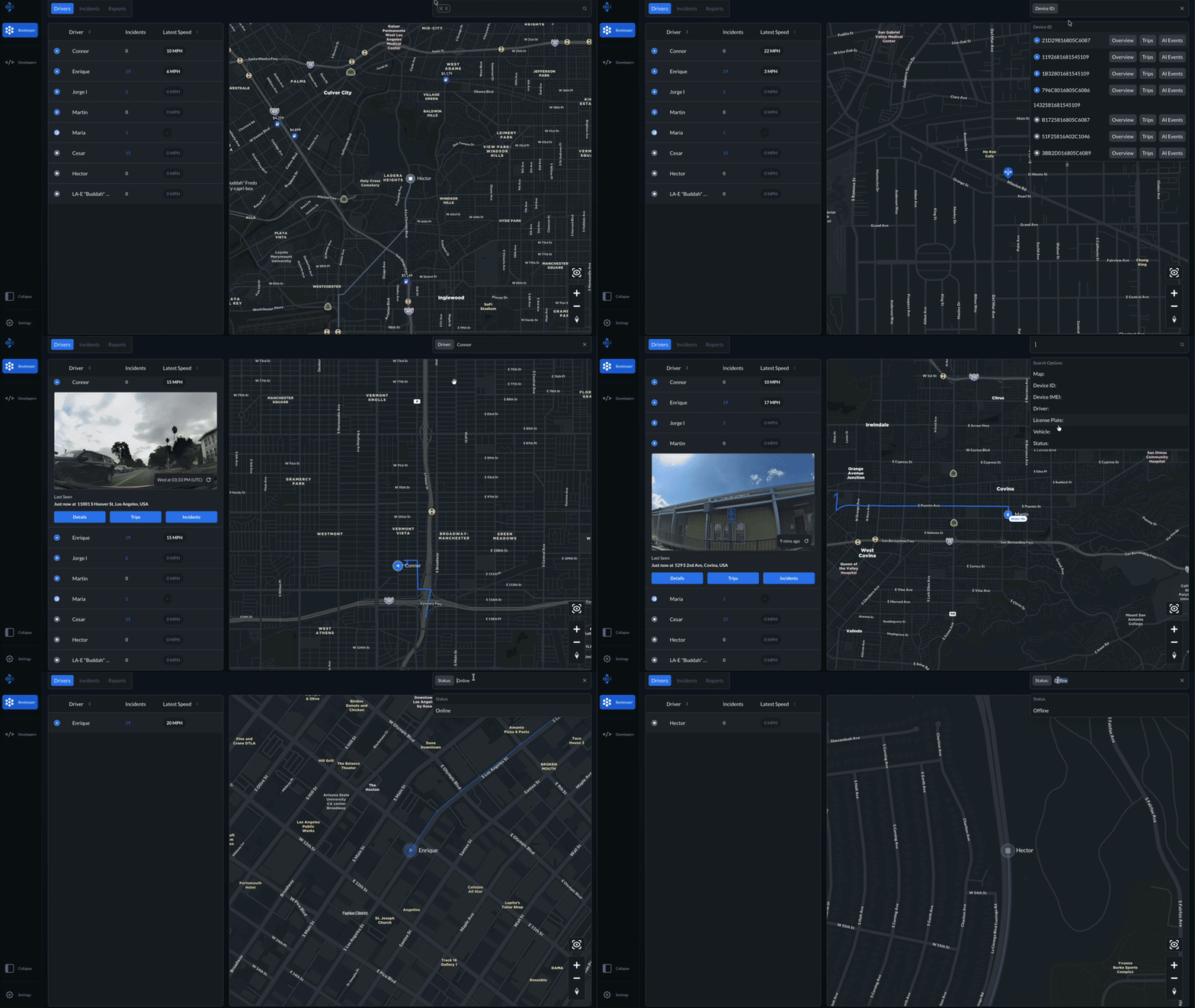
Search Bar
Search Bar
The Search function lets you quickly locate maps, devices, and drivers within your Bee Maps platform. Use the filters below to find exactly what you're looking for:
- Map -- Search by address or location.
- Device ID -- Enter a device's unique ID to pull it up directly.
- Device IMEI -- Look up a device using its IMEI number.
- Driver -- Search for drivers by name.
- License Plate -- Search vehicles by the license plate recorded in the driver's profile.
- Vehicle -- Filter by vehicle type: Car, Truck, SUV, Van, or Commercial.
- Status -- Search devices by their status:
- Online -- Device is on and active.
- Idle -- Device is on but not active.
- Searching -- Device is attempting to connect (e.g. searching for LTE connection).
- Offline -- Device is powered off or disconnected.