
Confirm LTE
Don't have an LTE Data plan? You can purchase one directly with Bee Maps here.
Is my Bee LTE Activated?
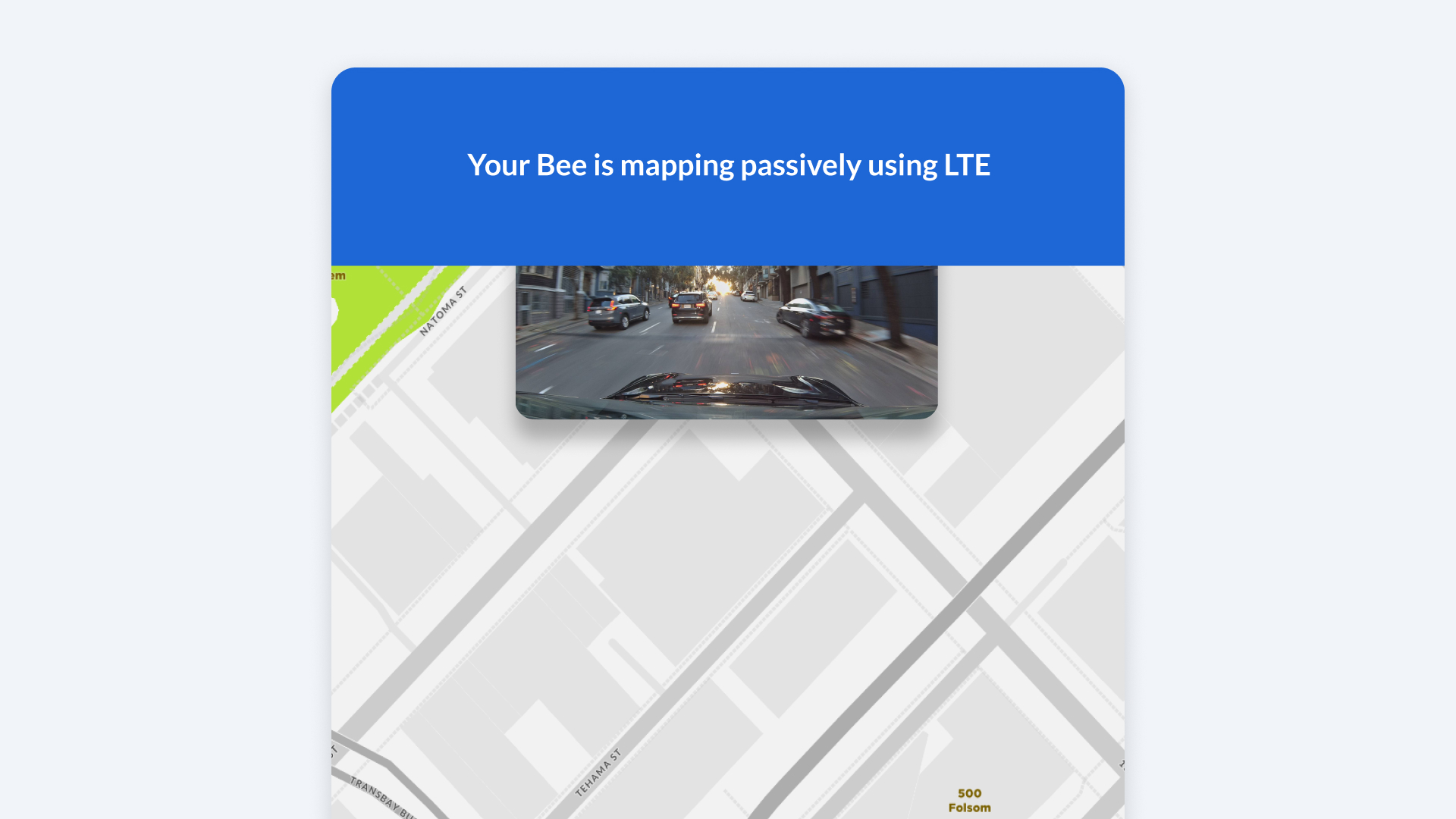
Upon initial connection with an active SIM card via Bee Maps App, you will see a banner reading: "Your Bee is passively mapping using LTE."
Is my Bee LTE working?
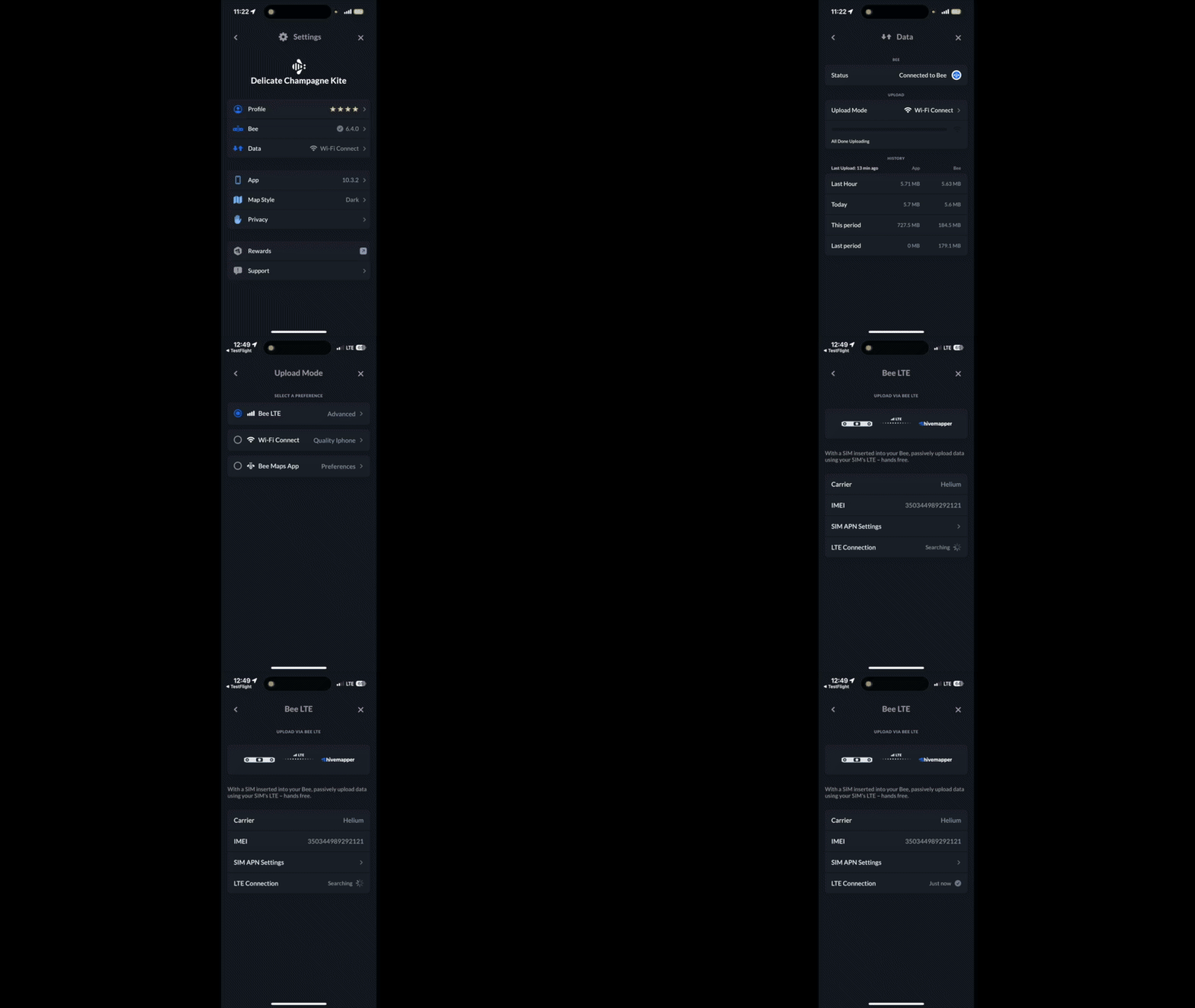
- Connect to Bee device from Bee Maps App.
- Navigate to Settings.
- Select Data.
- Choose Upload Mode.
- Select Advanced under Bee LTE option.
- Check LTE Connection status indicator.
Notes
- Your Bee must be in an area with LTE coverage for the connection to work.
- You may need to adjust your APN settings. See here for details on APN Settings.