
Insert SIM
Inserting a Nano SIM card into your Bee
If you are using a Bee Membership, skip this step.
Don't have an LTE Data plan? You can purchase one directly with Bee Maps here.
Supported Mobile Carriers
Bee LTE works with most major carriers worldwide. Tested carriers by region include:
| Region | Supported Mobile Carrier |
|---|---|
| United States | Helium, T-Mobile, Google Fi |
| Mexico | Telefonica, Movie Star, Bait |
| Canada | Rogers |
| UK | O2, Smarty |
| Europe | Vodafone and most carriers |
| Australia | Optus, Telstra, and Vodafone |
| Asia | Chunghwa Telecom and most carriers |
Insert Nano SIM Card Into Your Bee
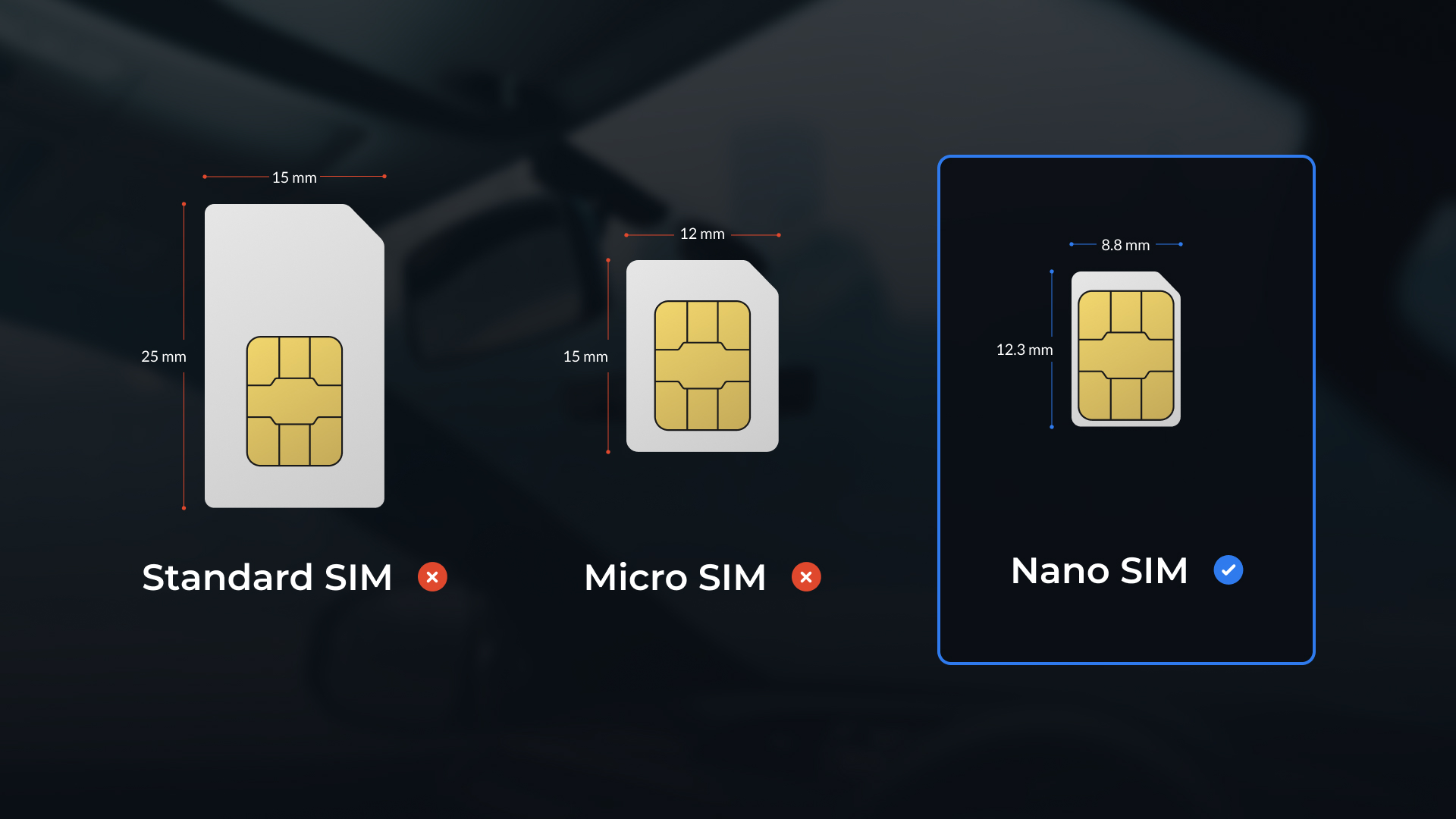
Open SIM Slot Cover -- Use the small screwdriver from your kit to open the SIM slot cover on the back of the Bee.
Insert Nano SIM Card -- Metal part facing up. Insert with the cut corner first (see image).
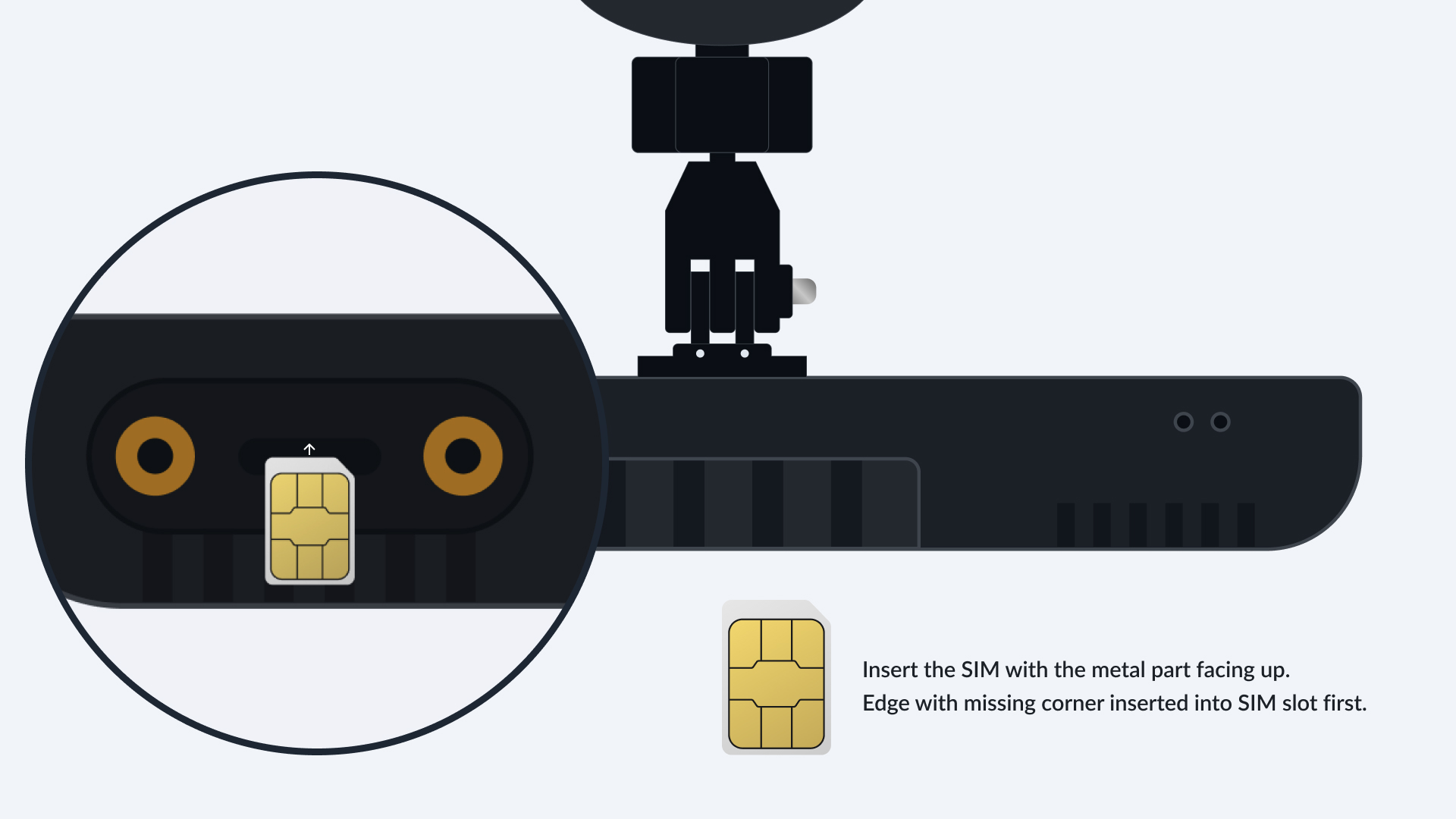
- Close SIM Slot Cover -- Secure the cover again with the screwdriver. Make sure it's snug so your SIM stays in place. Close the SIM slot cover with the provided screwdriver.
Great work! With your SIM in place, your Bee is now ready to Mount.