
Create Account
Create Account
To start using the Bee Maps Platform, you'll first need to create an account. One account gives you access to everything:
- Manage fleets with Beekeeper
- Use Bee Membership and subscriptions
- Connect APIs and Webhooks
- Explore future Bee Maps tools
1. Sign Up for Bee Maps
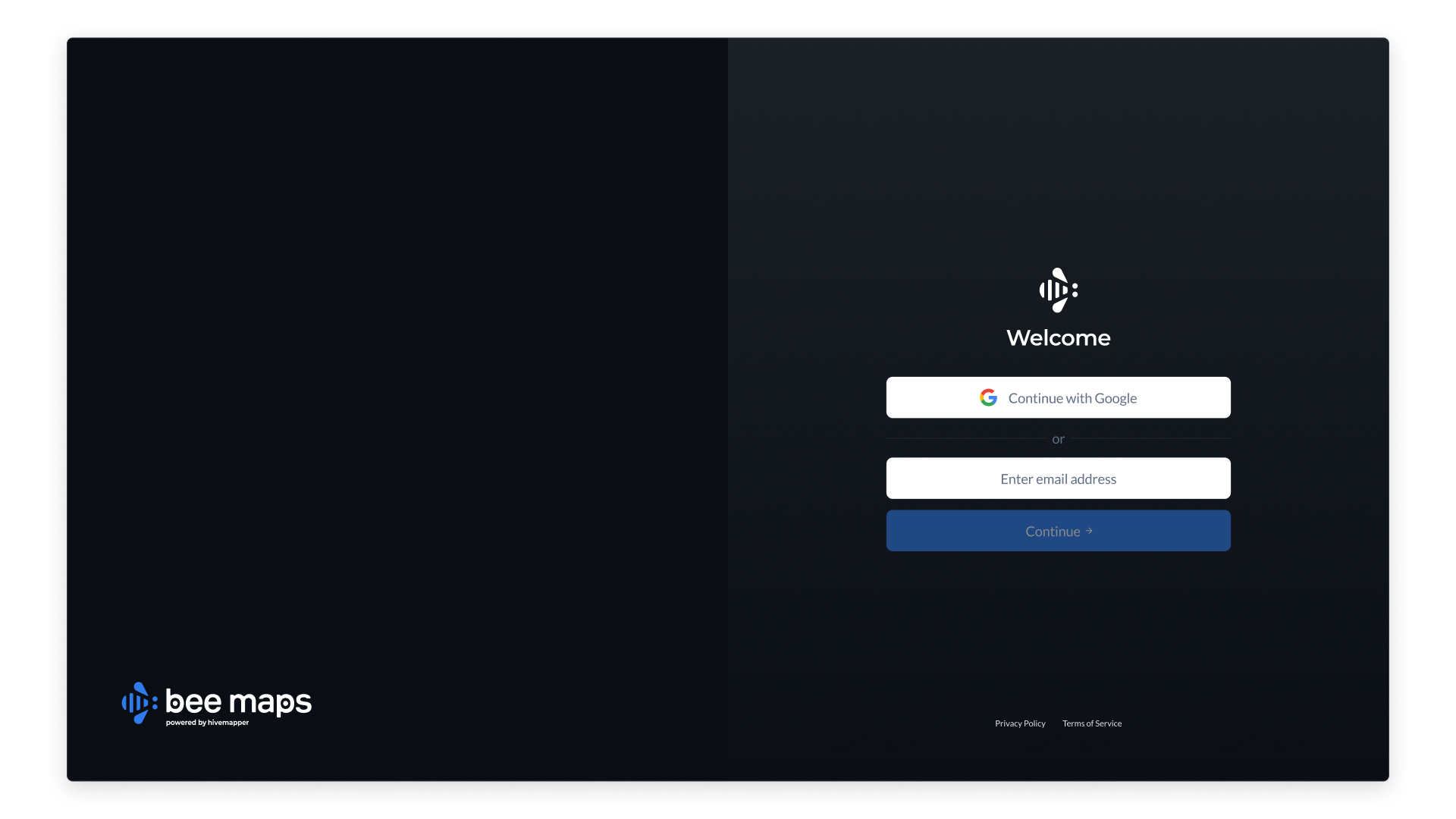
- Navigate to https://beemaps.com/login
- On the login screen, enter your email address or login via Google
2. Confirm Your Email
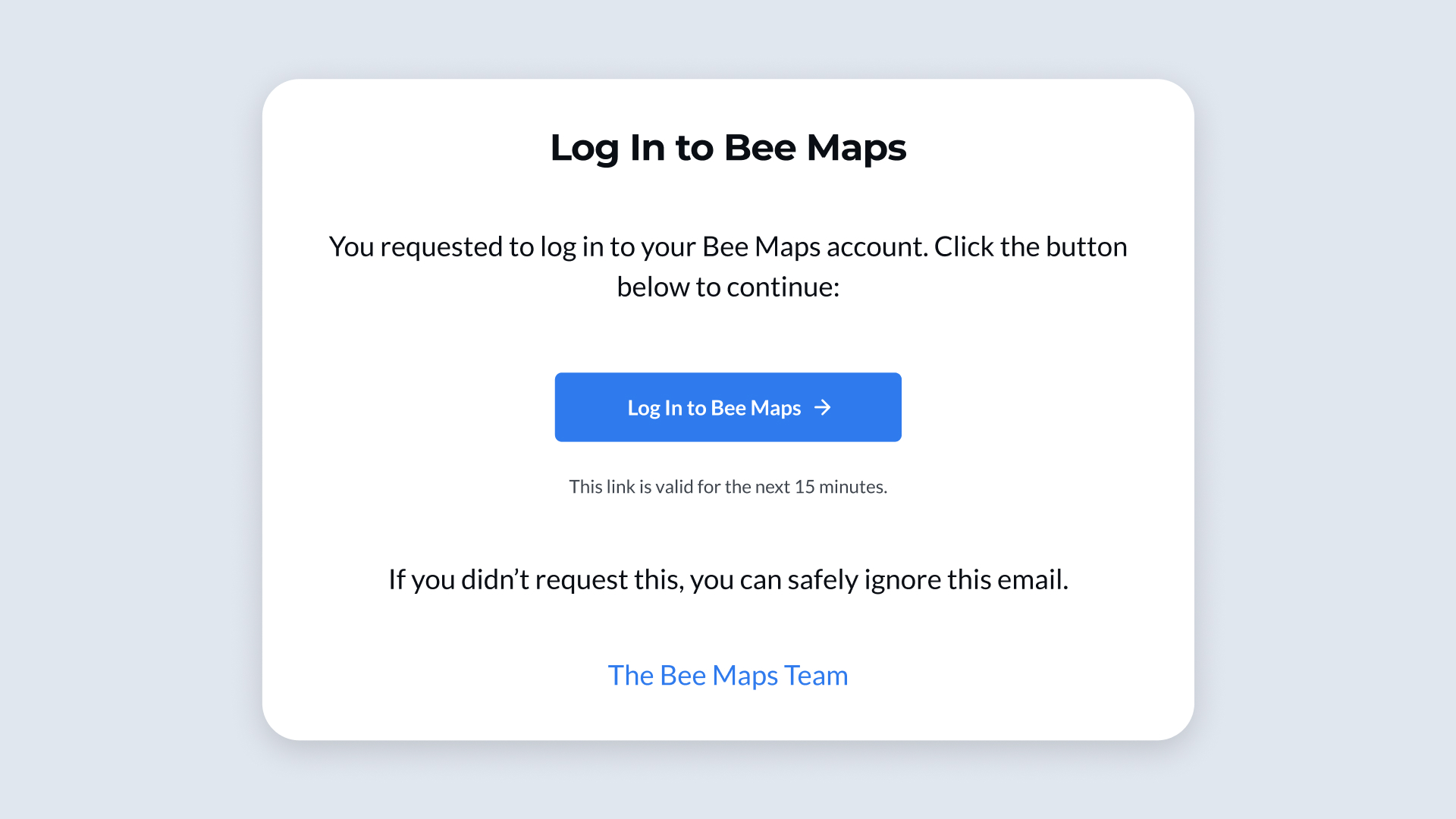
- After signing up, you'll receive a confirmation email
- Open the email and click the link to complete login
3. Access the Bee Maps Platform
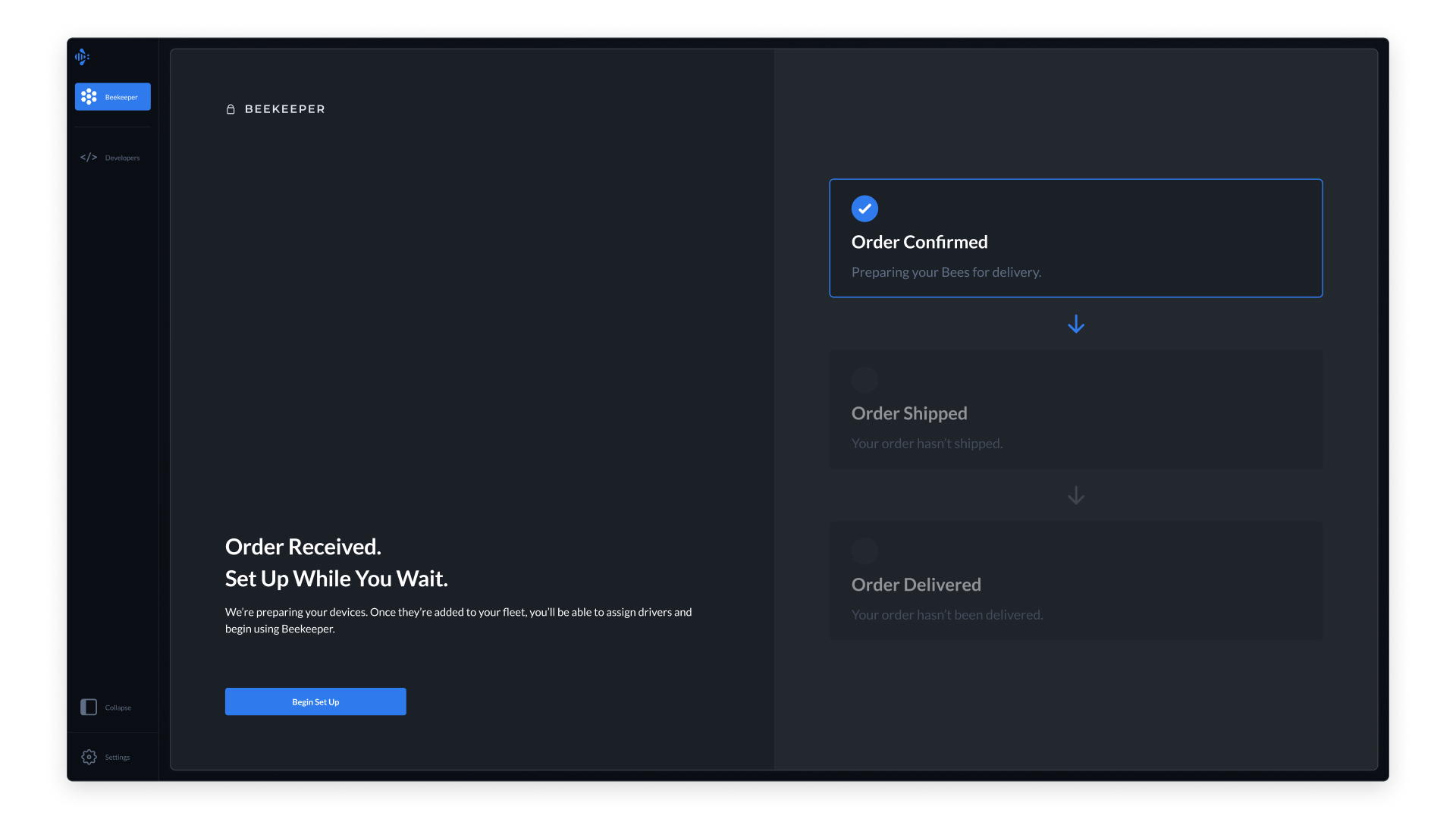
- Once confirmed, you'll be taken to the Bee Maps Platform landing screen
- From here you can:
- Add Bee devices
- Manage fleet in Beekeeper
- Enable APIs/Webhooks
- Configure account settings
Note: If your organization already uses Beekeeper, check with your admin. They may prefer to invite you instead of creating a new account.