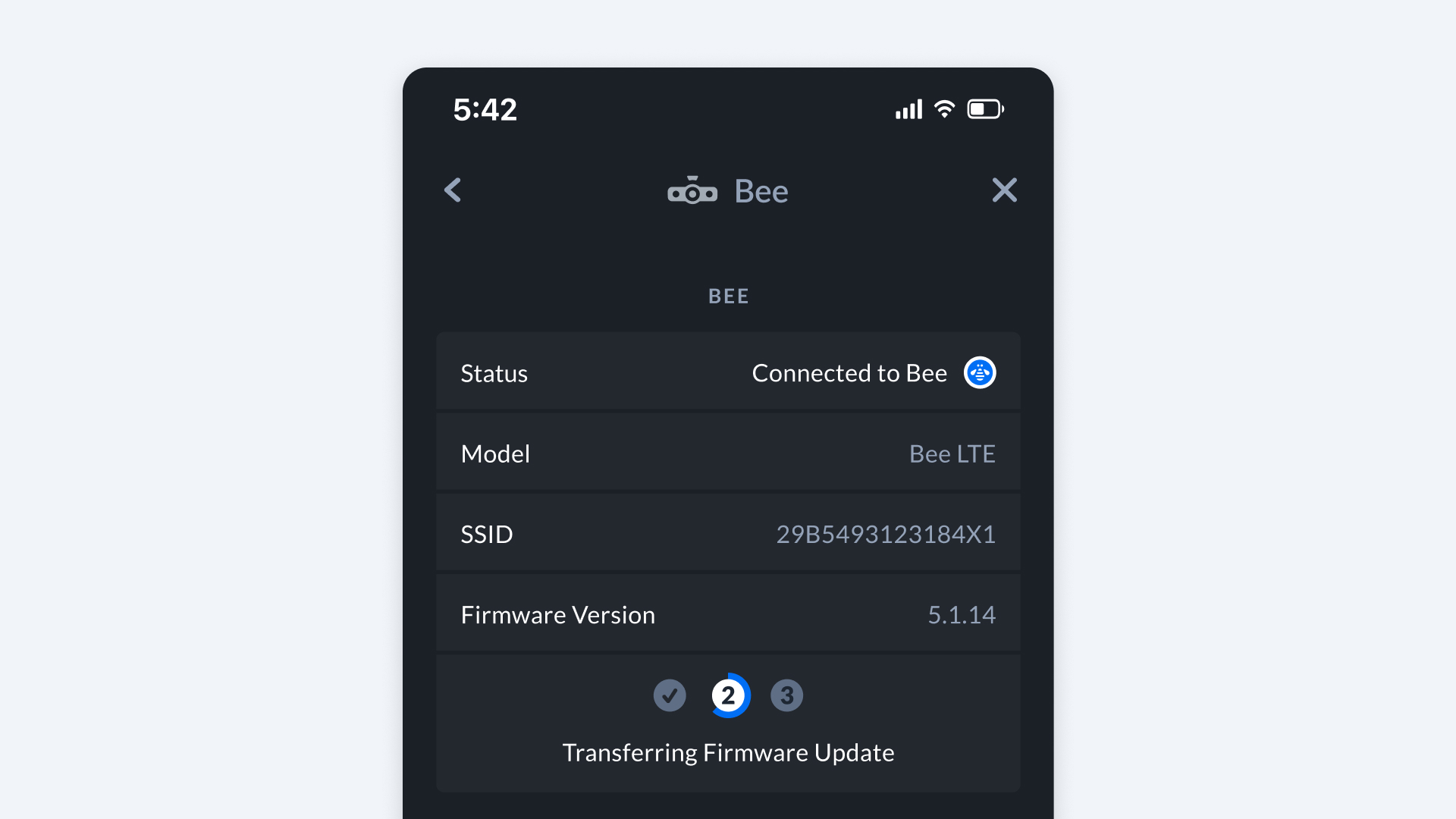
Updating Bee Firmware
Bee LTE Firmware Updates
No action needed. The Bee LTE updates firmware automatically via OTA (over-the-air).
Bee WiFi Firmware Updates
Step 1: Enable Cellular Data
Navigate to Settings -> App -> Use Cellular Data in the Bee Maps App.
Step 2: Check Firmware Version
- Open Bee Maps App.
- Connect to your Bee device.
- Go to Settings -> Bee.
- Locate the firmware version indicator. A checkmark signals the firmware is current.
Step 3: Update Firmware (if needed)
The update downloads and installs automatically to your phone.