
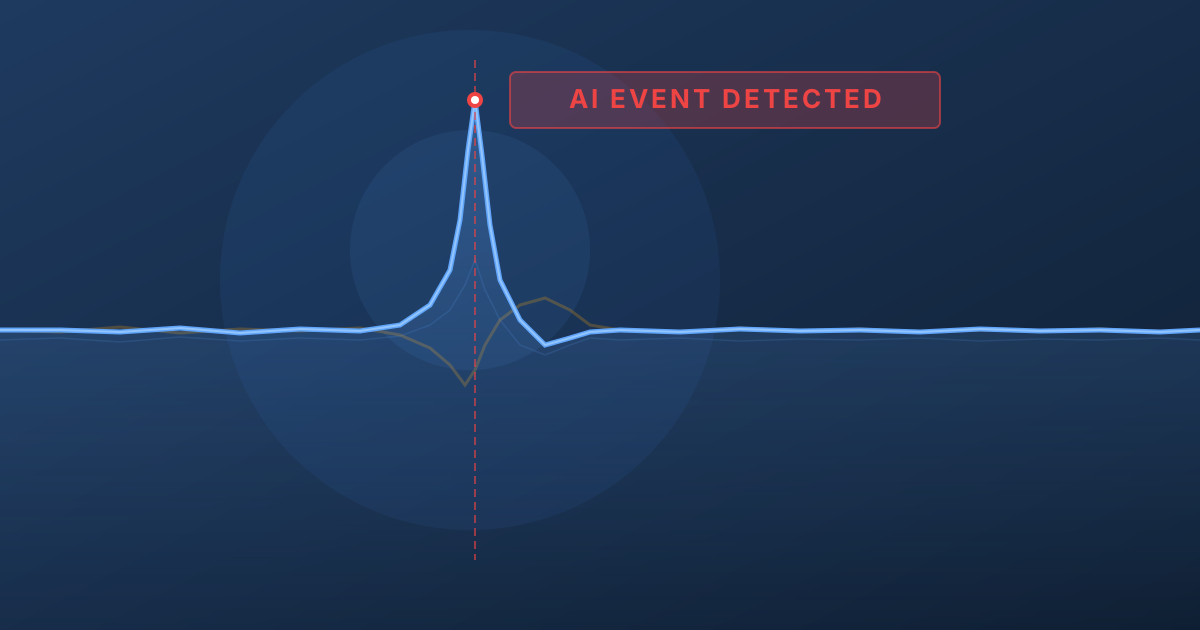
At 1:45 PM on a Tuesday near Santarém, Portugal, a driver hit the brakes at 62 mph to avoid an animal on the highway. The whole thing lasted about four seconds. No test driver planned it. No one was running a data collection campaign. But a Bee camera caught every frame, every G-force spike, every GPS coordinate — and uploaded the complete data package over LTE before the driver's heart rate returned to normal.
This is the kind of moment that defines the gap between an AI system that works in simulation and one that works in reality. You can drive for ten thousand hours and capture maybe a handful of genuine near-misses. A real red-light violation. An emergency swerve to avoid a pedestrian. A vehicle doing 120 mph on a Romanian highway. These moments are vanishingly rare in any driving dataset — and they are exactly the moments that matter most.
Why This Matters Now
AI world models — systems that learn to simulate reality from observation — are reshaping autonomous driving. NVIDIA built Cosmos to generate synthetic driving scenarios. Waymo has published research on the challenge of long-tail distributions in autonomous driving. Tesla's entire FSD strategy depends on learning from real-world edge cases captured across its fleet. Waabi, founded by Uber ATG's former chief scientist Raquel Urtasun, is building world models for self-driving trucks.
The common thread? They all need the same thing: real-world edge case data at scale.
A world model trained on a million hours of highway cruising will confidently predict straight roads in good weather and have almost no basis for simulating the scenarios that actually matter — the hard braking at an intersection, the swerve around debris, the near-miss with a pedestrian at night. As Waymo's research team has noted, these long-tail events are precisely where autonomous systems fail, and they are the hardest data to collect.
The core problem: Edge cases represent a tiny fraction of driving time but account for the vast majority of accident scenarios. No simulation can generate what it has never observed. World models need real physics from real incidents — and that data barely exists.
This is the problem Bee cameras solve.
See It First
Before we get into the technical details, here's what AI Event Videos actually look like. Each embed below plays real dashcam video with a live speed overlay, interactive GPS map, and downloadable sensor data.
Every one of these events was captured automatically by a Bee camera running edge AI on-device. No human reviewed the footage. No one manually labeled the event type. No one decided which moments were worth keeping. The network of thousands of cameras across 50+ countries just runs, and the safety-critical moments surface on their own.
More sample videos and sensor data are available below.
How AI Event Videos Work
The fundamental challenge with capturing safety-critical driving data is that you cannot predict when or where it will happen. You can instrument a test fleet, drive millions of miles, and still end up with a dataset that is overwhelmingly composed of uneventful driving. The interesting moments — the ones that actually matter for training robust AI systems — are distributed across a vast spatiotemporal space with no discernible pattern.
Bee cameras take a different approach. Every device runs computer vision and sensor fusion models directly on-device, continuously analyzing the driving environment. When the on-device AI detects a safety-critical event — a harsh braking incident, a high-speed maneuver, a stop sign violation — it triggers an automatic capture pipeline:
| Data | Description |
|---|---|
| Video | ~20-30 seconds of MP4 footage captured around the event |
| GNSS | 30Hz GPS traces — that's 30 position updates per second, enough to track a vehicle's exact lane position through a curve |
| IMU | 3-axis accelerometer and 3-axis gyroscope at ~10Hz — like a flight data recorder, capturing the raw physics of every safety-critical moment |
| Upload | Everything is transmitted over LTE to the cloud with structured metadata |
The result is an AI Event Video: a multi-modal data package that captures the full context of a real-world driving incident.
Scale is the product. You get the long tail of driving behavior not by looking for it, but by deploying enough sensors that it finds you. Thousands of cameras across 50+ countries capture genuine safety-critical moments as they naturally occur — no data collection campaigns, no manual labeling, no human review.
Types of AI Events
Bee cameras detect 9 distinct event types, each triggered by specific sensor thresholds:
| Event Type | What It Captures |
|---|---|
| Harsh Braking | Rapid deceleration — emergency stops, near-misses |
| Aggressive Acceleration | Aggressive takeoffs from stops or merges |
| Swerving | Sudden lateral movement — lane departures, evasive maneuvers |
| High Speed | Sustained speed above the posted limit |
| High G-Force | Extreme acceleration forces in any direction |
| Stop Sign Violation | Rolling through or ignoring a stop sign |
| Traffic Light Violation | Running a red or yellow light |
| Tailgating | Following too closely behind another vehicle |
| VRU (Vulnerable Road User) | Pedestrians, cyclists, and scooter riders identified in the video frame — adds critical context to every event |
What's Inside an AI Event
Every AI Event is a multi-modal data package — the same sensor modalities that autonomous vehicle stacks process, synchronized and ready to use.
1. Video
A full MP4 clip captured by the Bee camera — real driving video, not a reconstructed simulation.
| Property | Default Value | Configurable |
|---|---|---|
| Format | MP4 | |
| Resolution | 1280x720 | ✓ |
| Bitrate | 4.5 Mbps | ✓ |
| Duration | ~20-30 seconds centered around the event | ✓ |
2. Metadata
Each event includes structured metadata. The location field contains the GPS coordinates where the incident occurred:
{
  "id": "69a8379efcae0f2b12353c17",
  "type": "HARSH_BRAKING",
  "timestamp": "2026-03-04T13:45:25.249Z",
  "location": { "lat": 29.9899, "lon": -97.437 },
  "metadata": {
    "ACCELERATION_MS2": 1.312,
    "SPEED_MS": 31.75,
    "SPEED_LIMIT_MS": 24.587,
    "TIME_ABOVE_SPEED_LIMIT_S": 12.5
  }
}
3. Synchronized GNSS Data
30Hz GPS traces that let you reconstruct the exact path of the vehicle during the event. At 30 updates per second, you get sub-meter resolution on the vehicle's trajectory — enough to determine which lane the vehicle was in, how it drifted during a swerve, or exactly where it stopped.
{
  "timestamp": 1772811925166.66,
  "lat": 29.9899059,
  "lon": -97.437032,
  "alt": 185.42
}
Typically ~900 GNSS points per event at 30Hz, covering the full video duration.
4. Synchronized IMU Data
3-axis accelerometer and 3-axis gyroscope readings at ~10Hz resolution, producing 3,000+ samples per event. Think of it as a black box flight recorder for every safety-critical moment on the road — you get the full deceleration curve during a hard brake, the lateral force profile during a swerve, and the rotational rates during lane changes.
{
  "timestamp": 1772811925166,
  "acc_x": -0.42,
  "acc_y": -8.15,
  "acc_z": 9.72,
  "gyro_x": 0.012,
  "gyro_y": -0.003,
  "gyro_z": 0.008
}
The Bee Camera
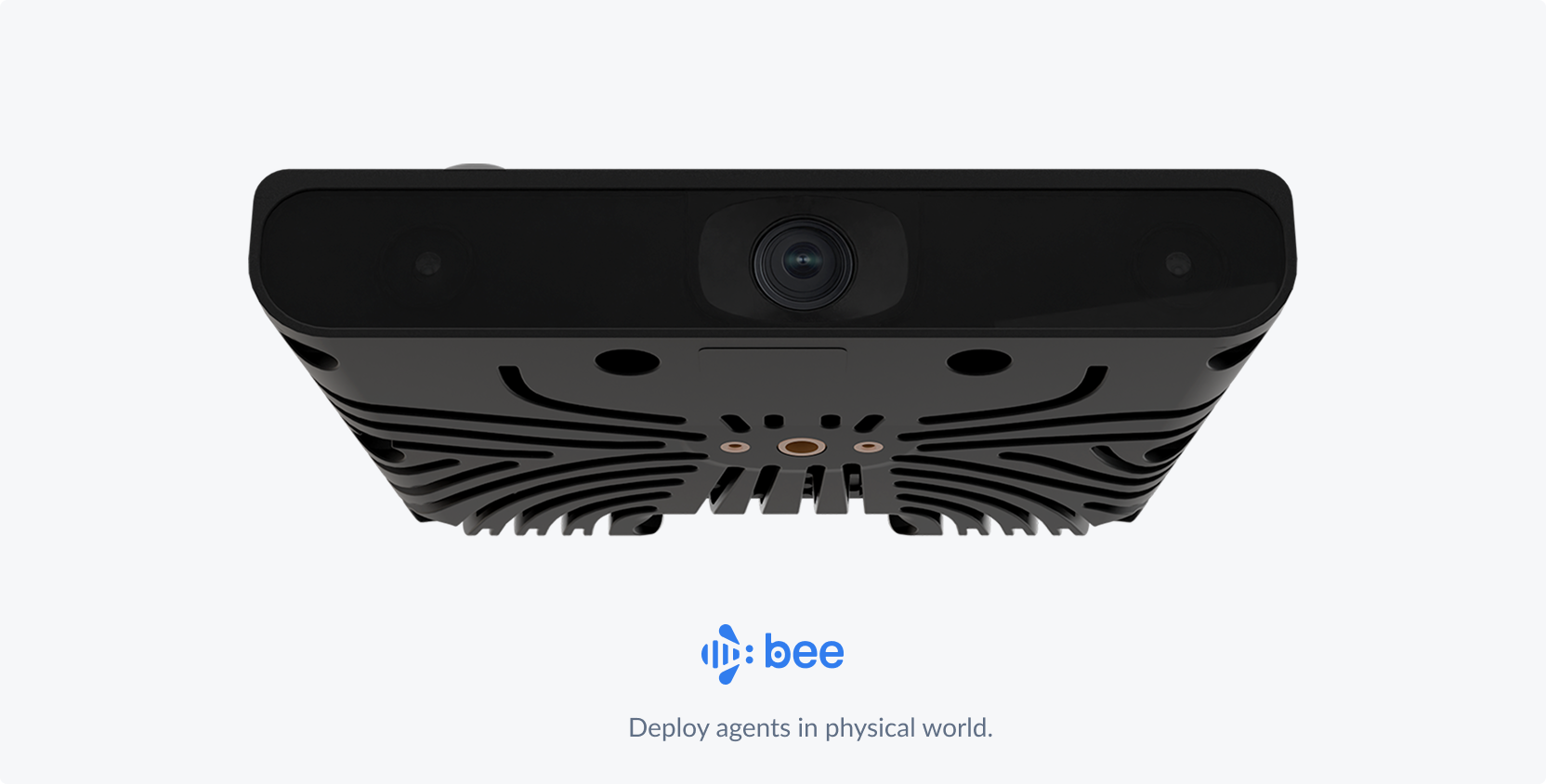
The Bee camera is purpose-built for high-fidelity driving data capture. Every AI Event Video is recorded by this hardware:
| Spec | Details |
|---|---|
| Vision System | 12.3 MP main camera at 30 Hz. 800p stereo depth (13 cm baseline) for high-fidelity capture. |
| Edge Compute | Edge compute for AI with performance on par with advanced driver-assist systems. |
| LTE Connectivity | Always-on LTE keeps Bee online and transmitting data in real time. |
| Precision Sensors | Pro-grade positioning sensors calibrated for precise, map-ready data capture. |
| Onboard Storage | 64 GB onboard flash designed for reliable, high-speed data access. |
| Lane-Level GPS | Dual-band L1/L5 GNSS with embedded security for accurate, lane-level positioning. Integrated GNSS antenna for reliable satellite lock. |
How This Compares
Most consumer dashcams record video and nothing else — single-band GPS that drifts 5–10 meters, no IMU, and footage on an SD card that overwrites itself. Tesla's fleet captures data too, but it feeds internal model training — you can't access the raw sensor streams. Comma.ai's openpilot collects driving data from enthusiasts, but the hardware and sensor suite is limited to whatever phone or device the user plugs in.
The Bee camera is a different class of device: dual-band L1/L5 GNSS for lane-level positioning, a 6-axis IMU at ~10Hz for real acceleration and rotation data, 12.3 MP stereo vision with depth sensing, and on-device edge AI that detects events in real time. When a harsh braking event or swerve happens, the camera captures the video, synchronizes the sensor streams, and uploads a complete data package over LTE — structured, labeled, and ready to use.
Use Cases
Training AI World Models
The race to build world models is one of the most consequential bets in AI. NVIDIA's Cosmos, Google DeepMind's Genie, and a wave of startups are all building systems that learn to simulate the physical world from video. But as Yann LeCun has argued, language and text alone cannot capture the spatial-temporal reasoning needed for physical world interaction. World models need to learn from observation — and specifically, from the observations that matter most.
AI Event Videos provide exactly the data that's missing:
- Real physics, not approximations. How does a vehicle actually decelerate in an emergency? What does a real evasive swerve look like from the driver's perspective? The synchronized video + IMU + GNSS data captures the full physical dynamics of these moments — the same sensor modalities used by NVIDIA's DriveSim and Waymo's simulation platform.
- Labeled edge cases at scale. Each event is pre-categorized by type (braking, swerving, speeding, violation) with precise sensor measurements. No manual annotation required.
- Geographic and cultural diversity. Events from 50+ countries mean your world model encounters Romanian highway behavior, Mexican urban driving, British roundabout dynamics, and American interstate physics — all from real observations. This is the kind of diversity that Waabi's Raquel Urtasun has described as essential for building world models that generalize beyond their training domain.
- The long tail, automatically. You don't need to organize data collection campaigns or pay drivers to simulate near-misses. The network captures genuine safety-critical moments as they naturally occur.
The gap world models can't close on their own: A world model can interpolate between scenarios it has seen — it can blend two braking events to imagine a third. But it cannot extrapolate to scenarios it has never observed. A pedestrian stepping off a curb at night in the rain, a motorcycle splitting lanes at 90 mph, a pothole-covered road in Mexico City — these must be observed in the real world first. That's what Bee cameras provide.
Autonomous Vehicle R&D
AV systems fail on edge cases they've never seen. The entire challenge of autonomous driving is the long tail — the rare scenarios that are underrepresented in training data but disproportionately dangerous.
AI Event Videos are purpose-built for this problem:
- Sensor fusion validation. Each event comes with synchronized video, GNSS, and IMU — the same modalities your AV stack processes. Test your perception and prediction modules against real-world incidents, not synthetic replays.
- Regression test suites. Build a library of actual safety-critical scenarios — harsh braking events, traffic violations, evasive maneuvers — and run your planning module against them. When you ship a new model, verify it still handles every real near-miss in your test set.
- Scenario mining. Query events by type, location, speed, or geographic polygon. Need 500 harsh braking events on highways above 60 mph? Need swerving events in urban intersections across European cities? The API lets you slice the data precisely.
- Pre-labeled, ready to use. Event type, severity (acceleration magnitude), speed context, and precise timestamps are all included. No labeling pipeline required.
AI Event Video Sample Data
These are real AI Events captured by Bee cameras across three continents. The geographic diversity is part of the value — driving behavior in Belgrade is different from San Marcos, and both are different from Sibiu.
Harsh Braking
High G-Force
VRU (Vulnerable Road Users)
Download individual AI event videos and their associated metadata (GNSS, IMU, and event data in JSON format), or grab everything at once.
| # | Preview | Event | Location | Summary | Video | Metadata |
|---|---|---|---|---|---|---|
| 1 |  | Braking — Elbląg | Elbląg, Poland | Driver brakes hard to avoid a fender bender when a vehicle ahead stops short to turn off the road | ||
| 2 |  | Braking — Rural Portugal | Leiria, Portugal | Driver brakes hard on a narrow rural road to avoid an oncoming vehicle | ||
| 3 | 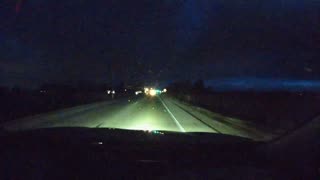 | Braking — School Bus | Kenosha, WI | Driver brakes hard to stop for a school bus | ||
| 4 | 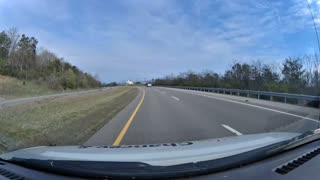 | Braking — Missed Exit | Loudon, TN | Driver nearly misses a highway exit and takes the turn at dangerously high speed | ||
| 5 | 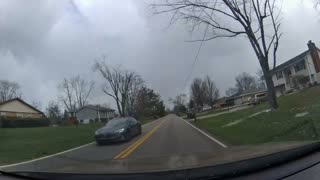 | Braking — Wrong Direction | Miamisburg, OH | Driver misses their turn, stops, and backs up into oncoming traffic | ||
| 6 | 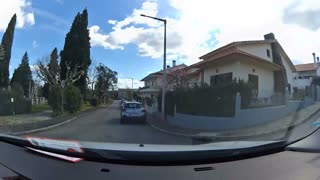 | Braking — U-Turn | Tomar, Portugal | Driver misses their turn and executes an aggressive U-turn | ||
| 7 | 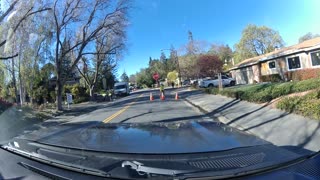 | Construction Zone — Palo Alto | Palo Alto, CA | Driver brakes hard approaching a construction work zone | ||
| 8 | 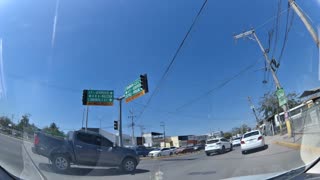 | Highway Merge — Puerto Vallarta | Puerto Vallarta, Mexico | Driver navigates a complex highway merge, weaving around traffic | ||
| 9 | 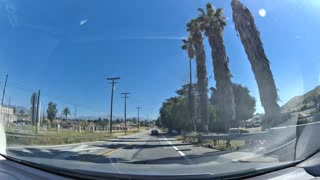 | Missed Turn — Redlands | Redlands, CA | Driver misses a turn and goes off-road to get back to the missed road | ||
| 10 | 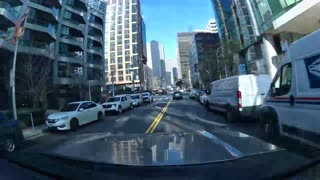 | Pedestrian — San Francisco | San Francisco, CA | Driver brakes hard when a pedestrian crosses in the middle of the road | ||
| 11 | 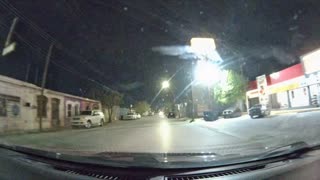 | Pedestrian Night — Juárez | Juárez, Mexico | Driver brakes hard at night when a pedestrian approaches the vehicle in the middle of the road | ||
| 12 | 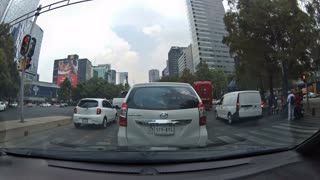 | Roundabout — Mexico City | Mexico City, Mexico | Driver drives aggressively through a complex Mexico City roundabout, nearly causing a fender bender | ||
| 13 | 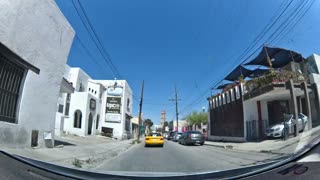 | Braking — Vehicle Pulling In | Saltillo, Mexico | Driver brakes hard to avoid a vehicle pulling into traffic | ||
| 14 | 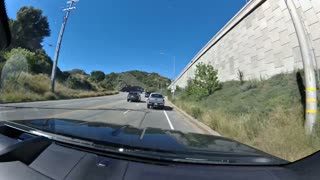 | Construction — Lane Closure | Los Angeles, CA | Driver brakes hard to stop for a construction lane closure | ||
| 15 | 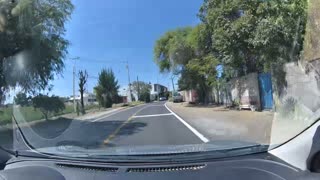 | Narrow Road — Oncoming Truck | Guanajuato, Mexico | Driver brakes hard on a narrow single-lane road to avoid an oncoming large truck | ||
| 16 | 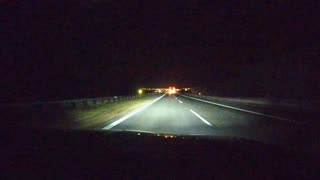 | Speeding Night — Truck | Puławy, Poland | Driver speeds on a highway at night and brakes hard to avoid a slow truck in the left lane | ||
| 17 | 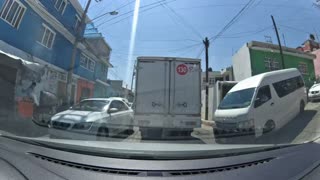 | VRU — Narrow Road Mexico | Mexico City, Mexico | Driver encounters motorcycles, pedestrians, and children on a narrow road in Mexico | ||
| 18 | 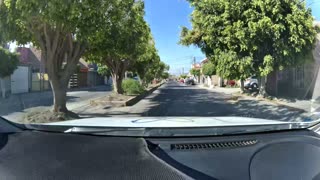 | Speed Bump — Irapuato | Irapuato, Mexico | Driver hits a speed bump at high speed, triggering a high G-force event | ||
| 19 | 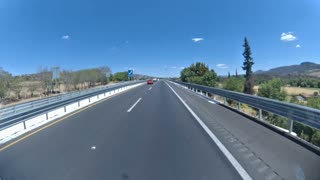 | G-Force — Overpass Bridge | Michoacán, Mexico | Truck crosses a new overpass bridge at highway speed, generating extreme G-force | ||
| 20 | 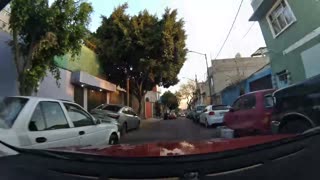 | Wrong Way Traffic — Mexico City | Mexico City, Mexico | Driver swerves to deal with wrong-way traffic on a narrow one-way road in Mexico City | ||
| 21 | 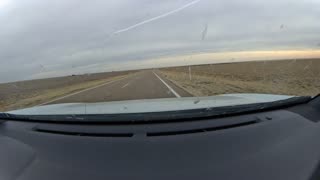 | Swerving — Texas | Floyd County, TX | Driver swerves suddenly on a rural Texas highway, briefly going off the paved road onto the dirt shoulder | ||
| 22 | 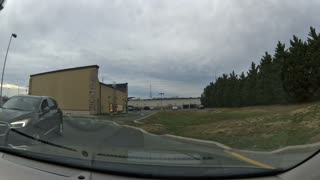 | Swerve — Blind Corner | Delaware, US | Driver swerves to avoid another vehicle around a blind corner | ||
| 23 | 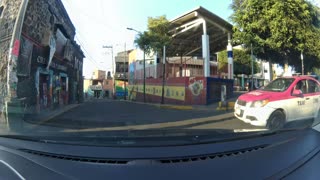 | VRU — Narrow Road Kids | Mexico City, Mexico | Driver encounters motorcycles, pedestrians, and children on a small, narrow road | ||
| 24 | 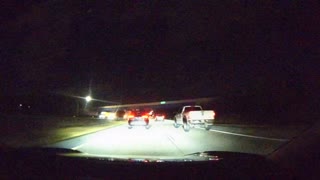 | Tailgating — Highway Night | Delaware, US | Driver tailgates a vehicle at high speed on a highway at night | ||
| 25 | 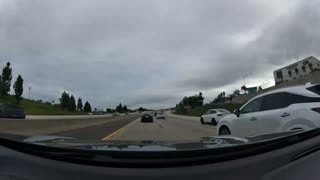 | Braking — Shoulder Avoid Collision | Ventura County, CA | Driver slams on brakes and moves onto the shoulder to avoid a collision on a highway | ||
| 26 | 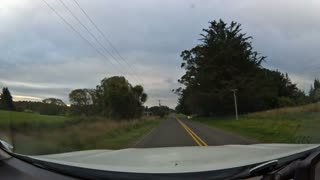 | Braking — Animal on Road | Christchurch, New Zealand | Driver brakes hard and comes to a complete stop to avoid hitting an animal on the road | ||
| 27 |  | Braking — Rail Crossing | Ponca City, OK | Driver brakes hard as the rail crossing arms lower | ||
| 28 |  | Braking — Snow / Wet Road | Kent, WA | Driver brakes and slides on a major road as snow falls and roads are wet | ||
| 29 |  | Braking — Blind Spot | West Covina, CA | Driver stops short to avoid a vehicle in their blind spot driving through their lane | ||
| 30 |  | Braking — Pedestrian at Stop Sign | Austin, TX | Driver stops abruptly to yield to a pedestrian crossing at a stop sign | ||
| 31 | 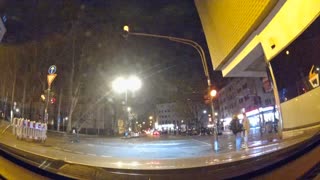 | Braking — Red Light Backup | Cologne, Germany | Driver starts through a red light, notices cross traffic, brakes hard, and backs up | ||
| 32 | 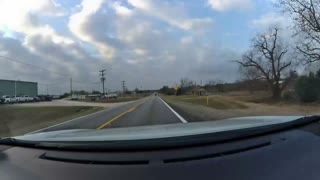 | Braking — I-35 San Marcos | San Marcos, TX | Driver brakes hard on I-35, dropping from 68 mph to zero to avoid a collision |
Accessing AI Event Videos via API
The Bee Maps API exposes a search endpoint for querying AI Events programmatically:
curl -X POST "https://beemaps.com/api/developer/aievents/search?apiKey=YOUR_KEY" \
  -H "Content-Type: application/json" \
  -d '{
    "startDate": "2026-02-01",
    "endDate": "2026-03-01",
    "types": ["HARSH_BRAKING", "SWERVING"],
    "limit": 50
  }'
You can filter by:
- Date range — up to 31 days per query
- Event types — any combination of the 8 types
- Geographic polygon — events within a bounding area
To include sensor data, request a single event with query params:
curl "https://beemaps.com/api/developer/aievents/EVENT_ID?apiKey=YOUR_KEY&includeGnssData=true&includeImuData=true"
Results are paginated (up to 500 per page) and include presigned video download URLs.
Data Schema Reference
Event Object
| Field | Type | Description |
|---|---|---|
id | string | Unique event identifier |
type | string (enum) | HARSH_BRAKING, AGGRESSIVE_ACCELERATION, SWERVING, HIGH_SPEED, HIGH_G_FORCE, STOP_SIGN_VIOLATION, TRAFFIC_LIGHT_VIOLATION, TAILGATING |
timestamp | string | ISO 8601 timestamp of the event |
location | object | { lat: number, lon: number } — GPS coordinates where the event occurred |
metadata | object | Event-specific measurements (varies by event type) |
videoUrl | string or null | Temporary signed URL to download the MP4 video clip |
gnssData | array or null | GNSS points (only included when includeGnssData=true) |
imuData | array or null | IMU readings (only included when includeImuData=true) |
GNSS Point (30Hz, ~900 samples per event)
| Field | Type | Description |
|---|---|---|
timestamp | number | Unix timestamp in milliseconds |
lat | number | Latitude in degrees |
lon | number | Longitude in degrees |
alt | number | Altitude in meters |
IMU Reading (~10Hz, 3000+ samples per event)
| Field | Type | Description |
|---|---|---|
timestamp | number | Unix timestamp in milliseconds (sub-millisecond precision) |
acc_x | number | X-axis acceleration (m/s²) |
acc_y | number | Y-axis acceleration (m/s²) |
acc_z | number | Z-axis acceleration (m/s²) |
gyro_x | number | X-axis angular velocity (rad/s) |
gyro_y | number | Y-axis angular velocity (rad/s) |
gyro_z | number | Z-axis angular velocity (rad/s) |
Quick Start: Python
The following script demonstrates a complete workflow — search for events, fetch one with full sensor data, download the video, and plot the IMU and GNSS data:
import requests
import matplotlib.pyplot as plt
from pathlib import Path

API_KEY = "YOUR_KEY"
BASE_URL = "https://beemaps.com/api/developer/aievents"

# 1. Search for harsh braking events
results = requests.post(
    f"{BASE_URL}/search",
    params={"apiKey": API_KEY},
    json={
        "startDate": "2026-02-01",
        "endDate": "2026-03-01",
        "types": ["HARSH_BRAKING"],
        "limit": 10,
    },
).json()

print(f"Found {len(results['events'])} events")

# 2. Fetch the first event with full sensor data
event_id = results["events"][0]["id"]
event = requests.get(
    f"{BASE_URL}/{event_id}",
    params={"apiKey": API_KEY, "includeImuData": "true", "includeGnssData": "true"},
).json()

print(f"Event type: {event['type']}, location: {event['location']}")

# 3. Download the video
video = requests.get(event["videoUrl"])
Path(f"{event_id}.mp4").write_bytes(video.content)
print(f"Saved {event_id}.mp4 ({len(video.content) / 1e6:.1f} MB)")

# 4. Plot IMU accelerometer data
imu = event["imuData"]
t = [(p["timestamp"] - imu[0]["timestamp"]) / 1000 for p in imu]

fig, (ax1, ax2) = plt.subplots(2, 1, figsize=(12, 6), sharex=True)

ax1.plot(t, [p["acc_x"] for p in imu], label="X-axis (acc_x)")
ax1.plot(t, [p["acc_y"] for p in imu], label="Y-axis (acc_y)")
ax1.set_ylabel("Acceleration (m/s²)")
ax1.set_title("IMU Acceleration Profile")
ax1.legend()

# 5. Plot GNSS trace
gnss = event["gnssData"]
lats = [p["lat"] for p in gnss]
lons = [p["lon"] for p in gnss]

ax2.plot(lons, lats, linewidth=1)
ax2.scatter(lons[0], lats[0], c="green", s=60, zorder=5, label="Start")
ax2.scatter(lons[-1], lats[-1], c="red", s=60, zorder=5, label="End")
ax2.set_xlabel("Longitude")
ax2.set_ylabel("Latitude")
ax2.set_title("Vehicle Path During Event")
ax2.legend()

plt.tight_layout()
plt.show()
Coming Soon
We're actively expanding the data available with each AI Event:
| Feature | Summary |
|---|---|
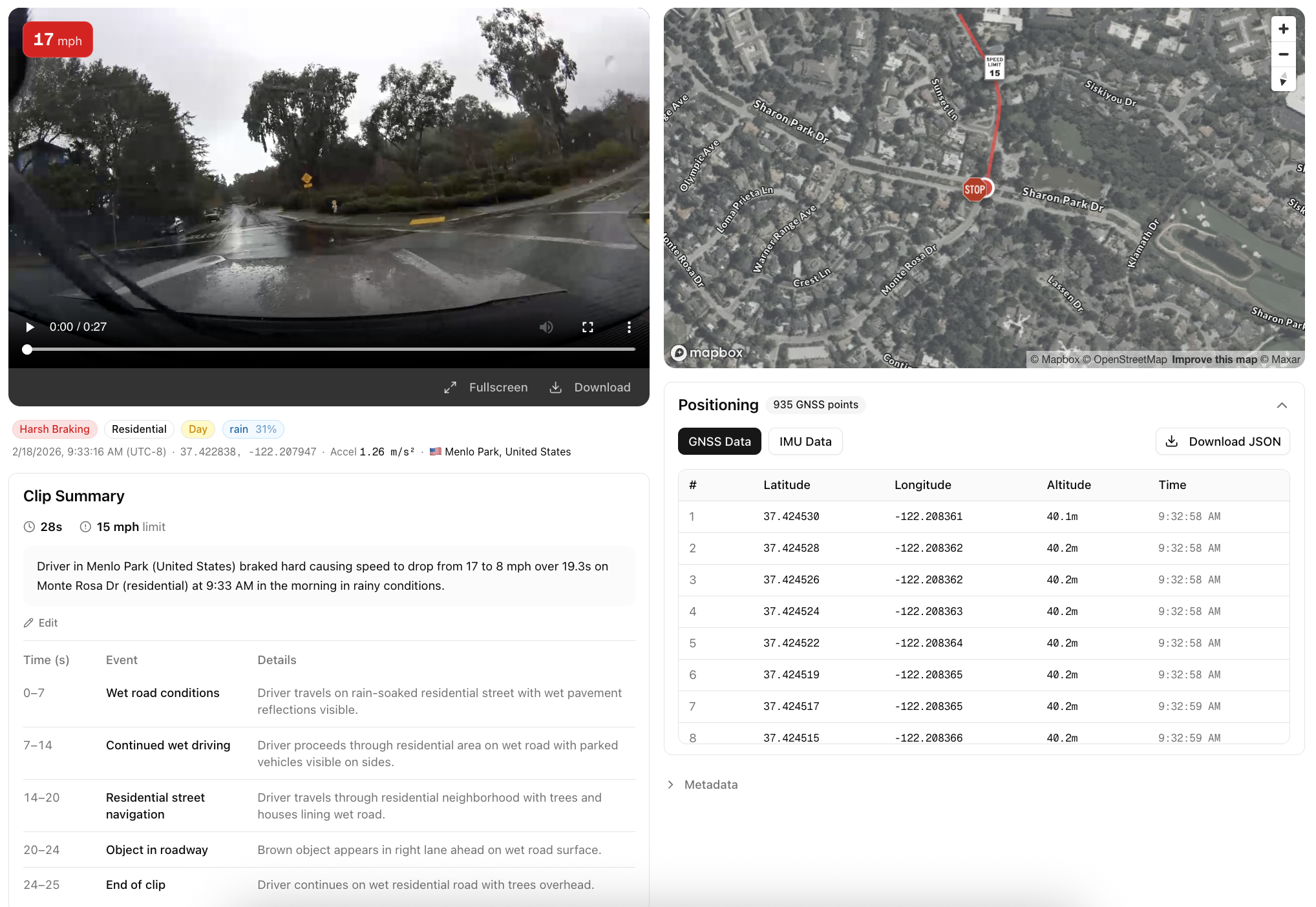
| Time of Day Classification | Day, night, dawn, or dusk labels for each event. Essential for training models that need to perform reliably across lighting conditions. |
| Road Type | Highway, urban, residential, or rural classification. Filter training data by the driving environment that matches your deployment scenario. |
| Weather | Clear, rain, snow, fog, and other weather condition labels for each event. Filter training data by weather to build models that handle adverse conditions. |
| Video Summary | Natural language descriptions of each clip, generated automatically. Search and filter events by what actually happened: "vehicle swerves to avoid stopped car in right lane" or "driver brakes hard at yellow light with pedestrian in crosswalk." |
FAQ
Can I request AI Event Videos at known dangerous intersections or specific locations?
Yes. You can query events by geographic polygon, so you can target specific intersections, highway segments, or any area of interest. If you need events from locations that aren't yet covered, Bee's on-demand coverage system can direct camera collection to your target areas.
Can I request higher bitrate or video resolution?
Yes. The standard output is 1280x720 at 4.5 Mbps, but higher resolution and bitrate options are available for enterprise customers. Contact us to discuss your requirements.
How many AI Event Videos are available?
The network captures new events every day across 50+ countries. The total dataset grows continuously — and because events are captured by real drivers in real conditions, the distribution naturally reflects actual driving behavior.
Can I filter events by multiple criteria at once?
Yes. The API supports combining filters — event type, date range, device ID, and geographic polygon can all be used together. For example, you can query all harsh braking events within a specific city during a specific week.
Is the sensor data synchronized with the video?
Yes. GNSS and IMU data are timestamped to the same clock as the video frames, so you can correlate any moment in the video with the exact position, speed, and forces acting on the vehicle at that instant.
Can I use AI Event Videos to train models and build products?
Yes. AI Event Videos are licensed for commercial use, including model training, fine-tuning, simulation, and derivative products.
Can I access AI Event Videos in bulk for model training?
Yes. The API supports pagination up to 500 events per page, and bulk data export options are available for large-scale training workloads. Reach out to discuss volume pricing and delivery formats.
Get Started
Every day, thousands of Bee cameras are quietly capturing the moments that matter most — the near-misses, the split-second reactions, the edge cases that will teach the next generation of autonomous systems how the real world actually works. The future of self-driving isn't just about better algorithms. It's about better data.
- Generate an API key from your Developer dashboard
- Try a query in the API Playground — no code required
- Start pulling AI Event Videos into your pipeline — API Documentation here
Questions? Reach out on X or contact us directly.