
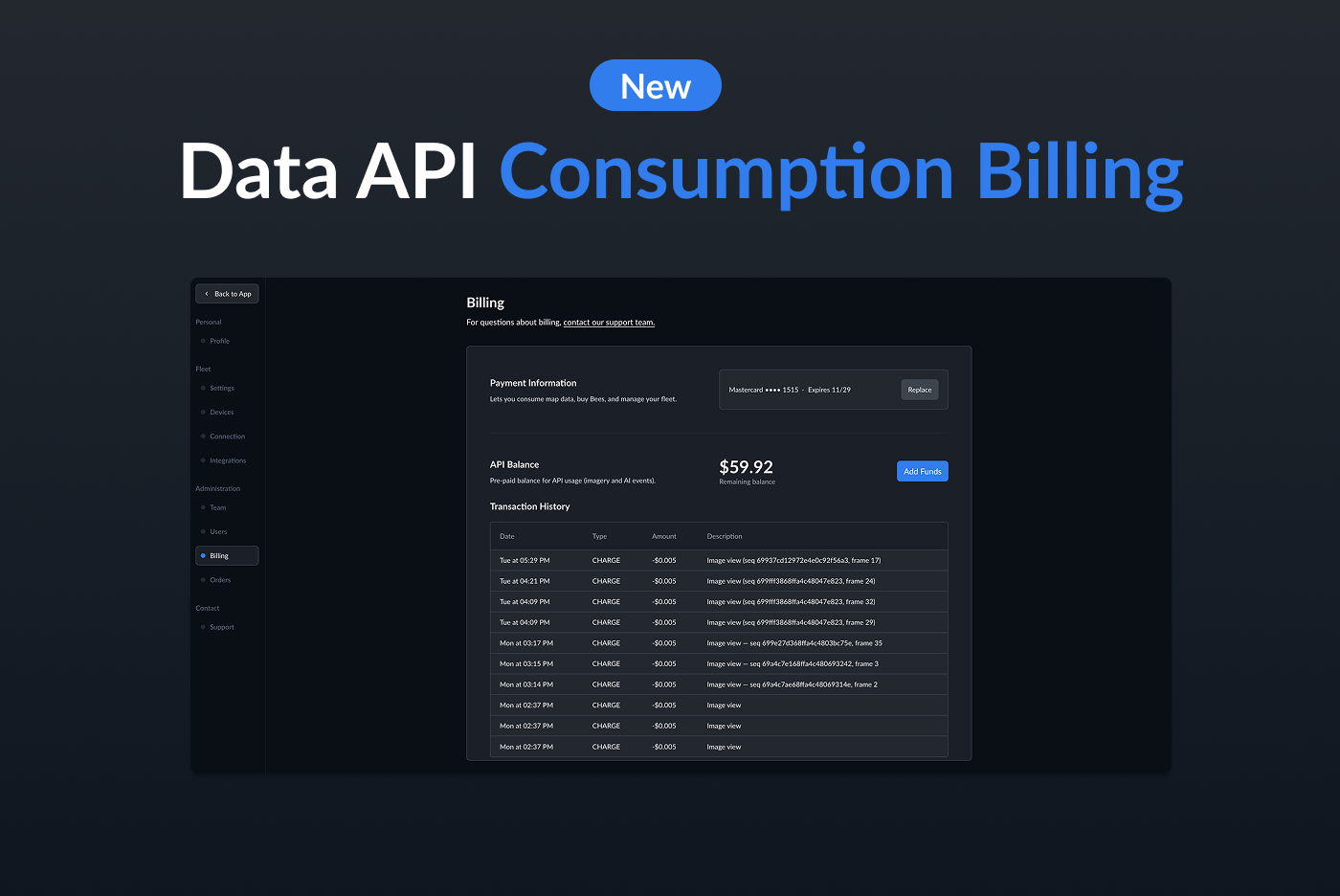
We've simplified how you pay for Bee Maps data APIs. No more complexity — just add funds to your account, make API calls, and pay only for what you use. Plus, every new account gets $20 in free credits to start building right away.
How It Works
Your Bee Maps account now includes an API Balance — a prepaid wallet that funds all consumption-based API usage. No subscriptions, no monthly minimums, no commitments. You add funds when you need them, and each API call deducts from your balance automatically.
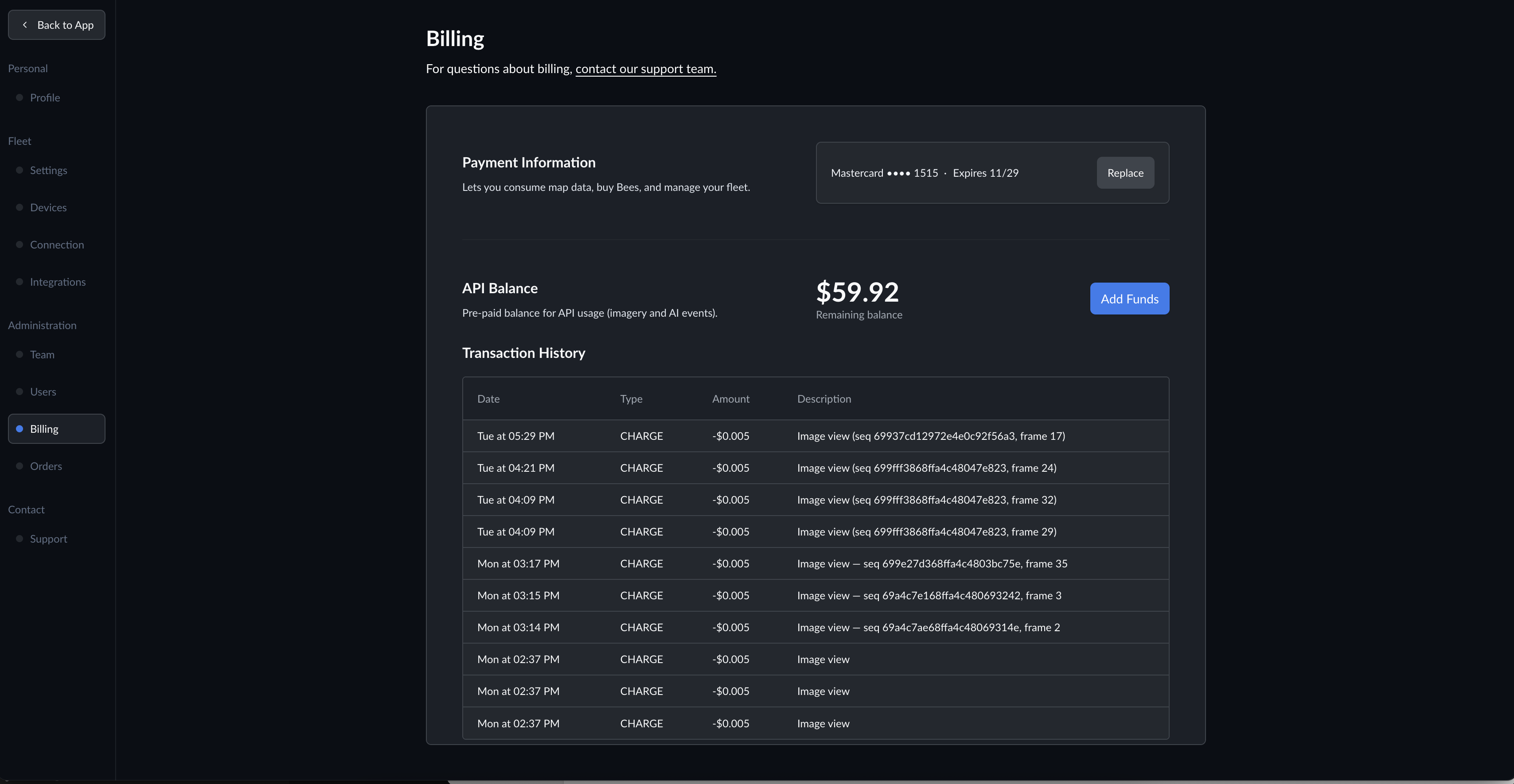
This covers every data product in the Bee Maps platform:
- Street Level Imagery — query dashcam images by location, returned with GPS coordinates and timestamps
- AI Event Videos — retrieve AI-detected driving events with video clips and sensor data
- Road Detections — access ML-detected map features like stop signs, speed limits, traffic lights, and lane markings
- Burst (On-Demand Mapping) — request fresh imagery capture at specific locations, pay only when it's delivered
For detailed per-product pricing, see the Pricing page.
Adding Funds
Top up your balance from Settings > Billing in your Bee Maps dashboard. Click Add Funds and either pick a preset amount — $10, $25, $50, or $100 — or enter any custom amount between $5 and $1,000. Payment is handled securely through Stripe.
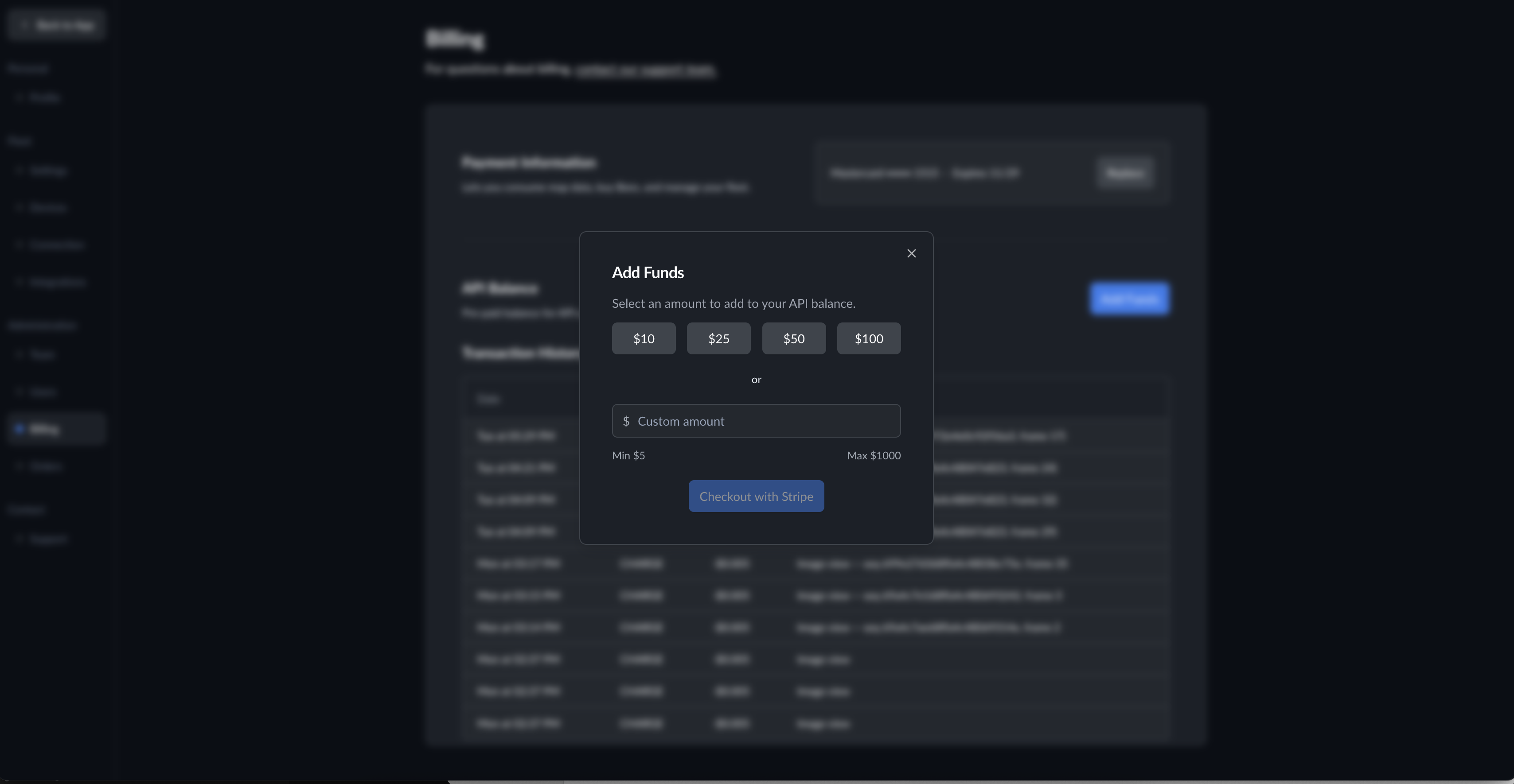
Funds are available immediately after checkout. No waiting, no approval process.
$20 Free Credits
Every new Bee Maps account starts with $20 in free API credits. No credit card required. Sign up, grab an API key from the Developers page, and start making calls.
That $20 goes further than you might think:
| Product | What $20 Gets You |
|---|---|
| Street Level Imagery | 4,000 images |
| AI Event Videos | 3 videos |
| Road Detections | ~6,600 detections |
| Burst (On-Demand Mapping) | 20 locations |
Enough to prototype an integration, explore a dataset, or build a proof of concept — without spending anything.
Transaction History
Every charge and top-up is logged in the Transaction History section of your billing page. Each entry shows the date, amount, and a description of the charge, so you always know exactly where your balance went.
Get Started
If you already have a Bee Maps account, head to Settings > Billing to see your API balance and add funds.
New to Bee Maps? Sign up for free and your $20 credit is waiting. Check out the Billing & Payment docs for the full walkthrough, or jump straight to the API documentation to start building.
Follow us on X or Try Bee Maps for Free.